
TP-Link AXE5400 Tri-Band
4.3Editor score
WiFi 6E near-zero latency
Tri-band connectivity
EasyMesh compatible
This guide compares the top low latency WiFi routers for 2026 to help you find the best performance for gaming, streaming, and smart home needs.
Finding a router with low latency is crucial for gamers and streamers who need stable connections. Modern devices offer advanced features to reduce lag and improve speed significantly.
We compared ten top routers based on speed, coverage, and user feedback. Each model offers unique benefits for different home sizes and internet plans today.
Every pick highlights key specs and real-world performance notes. Prices fluctuate often so check current listings before making your final purchase decision now.
4.3Editor score

4.6Editor score

4.3Editor score
This comparison table lists every model side-by-side so you can quickly check specs and features before choosing the right one for your network needs today.
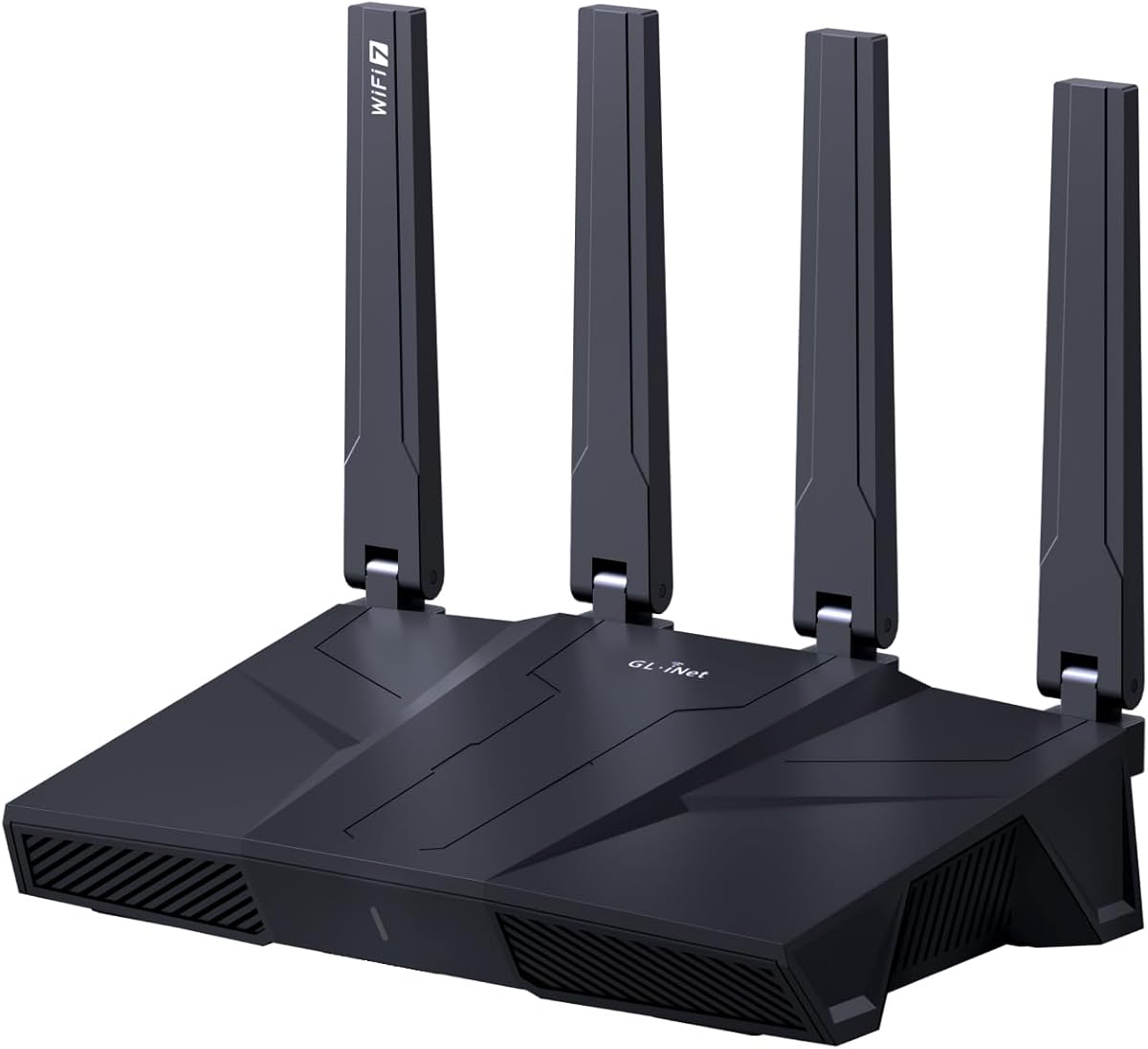



The Flint 2 stands out as a top low latency WiFi router with strong user ratings. It combines Wi-Fi 6 speed and dual 2.5G ports for smooth performance.
We may earn a commission when you buy through this link, at no additional cost to you.
It handles multiplayer battles well thanks to 8-stream technology. OpenVPN and Wireguard speeds reach nearly 900 Mbps for secure connections without lag.
The setup requires an initial firmware update for best results. While straightforward it adds a small step for new users starting out.
Buyers needing stable speeds and VPN support will love this model. Its balance of power and flexibility makes it ideal for demanding home networks.
Wireguard and OpenVPN run at high speeds reducing latency during secure browsing and gaming sessions.
The router handles over a hundred devices reliably ensuring no lag even with many smart home gadgets connected.
We may earn a commission when you buy through this link, at no additional cost to you.
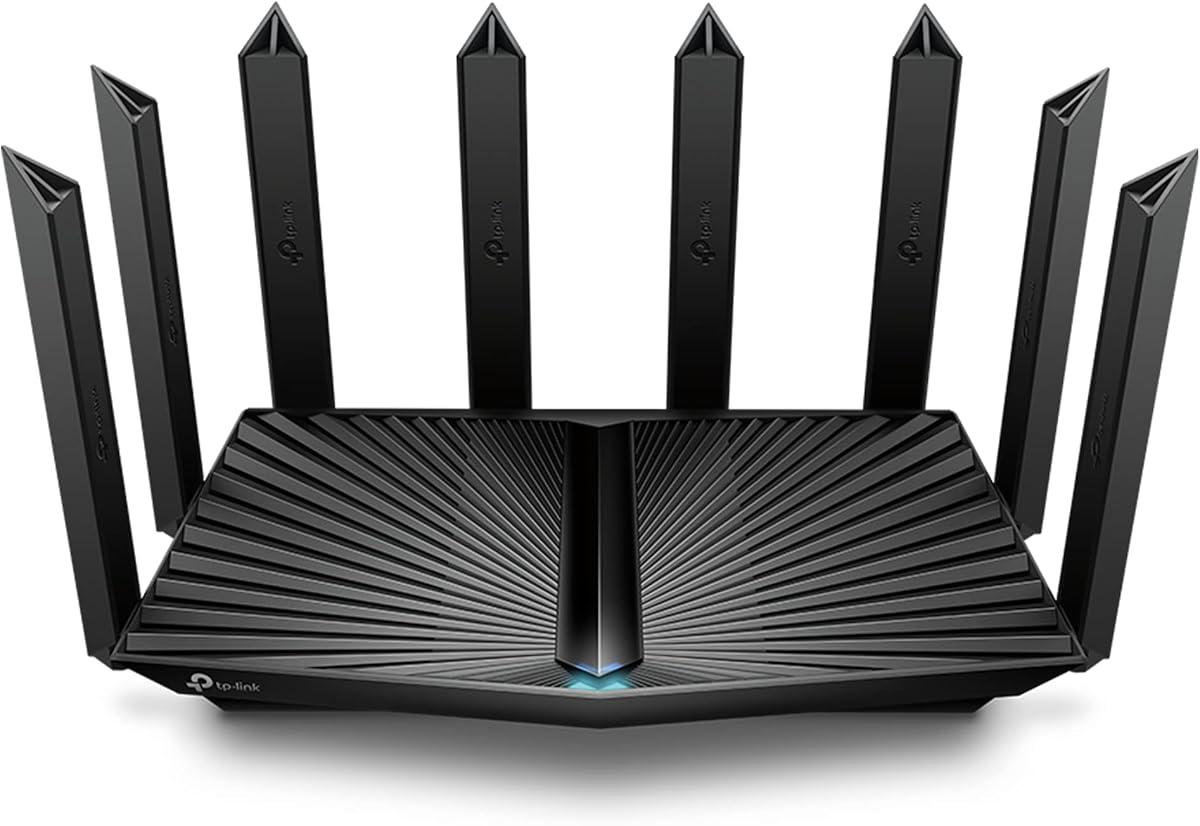
This AXE5400 delivers strong value for those seeking low latency without high costs. The 6 GHz band brings near-zero latency perfect for gaming.
We may earn a commission when you buy through this link, at no additional cost to you.
Tri-Band design supports simultaneous browsing and streaming. OFDMA boosts capacity four times enabling smoother connections for multiple devices at once.
Heat dissipation design ensures long-term reliability. While not perfect for all setups it handles typical home networks with ease.
Buyers wanting affordable upgrades will find this router reliable. Its features meet most modern needs while keeping costs under control.
The 6 GHz band offers more bandwidth and less interference leading to faster speeds and lower latency.
Add compatible extenders to eliminate dead zones and keep latency low across your entire home space.
We may earn a commission when you buy through this link, at no additional cost to you.
The GT-BE98 Pro is a powerhouse for serious gamers needing ultra-low latency. It uses WiFi 7 with new 320MHz channels for massive speed.
We may earn a commission when you buy through this link, at no additional cost to you.
Triple-level game acceleration boosts traffic from your PC to the server. Dual 10G ports ensure wired devices get top priority without slowdowns.
External dual-feeding antennas boost coverage significantly. While expensive its performance justifies the cost for large and demanding network setups.
Enthusiasts with big homes will appreciate its robust features. It sets a high bar for what low latency routers can deliver in 2026.
This feature optimizes PC gaming traffic at every step reducing latency and improving response times.
Dual 10G ports allow ultra-fast wired connections ideal for high-speed storage and desktop gaming rigs.
We may earn a commission when you buy through this link, at no additional cost to you.
The Flint 3 brings cutting-edge WiFi 7 with MLO for reduced latency. It handles high-density environments well ensuring stable connections for many users.
We may earn a commission when you buy through this link, at no additional cost to you.
Wireguard speeds hit 680 Mbps keeping secure traffic fast. AdGuard support helps filter ads improving browsing speed and security at the same time.
Five 2.5G ports offer great wired flexibility. While setup involves initial updates its features suit users needing both speed and control.
Tech-savvy buyers will enjoy its robust specs. It fits well in homes wanting next-gen wireless with strong wired options.
Multi-Link Operation links bands simultaneously improving stability and lowering latency during data transfers.
Built-in DNS blocking filters unwanted tracking and ads for a cleaner faster web experience.
We may earn a commission when you buy through this link, at no additional cost to you.
This Nighthawk model offers wide coverage with solid low latency for busy homes. The 6 GHz band gives fastest devices their own lane reducing slowdowns.
We may earn a commission when you buy through this link, at no additional cost to you.
Speeds reach 9.3 Gbps across three bands. The app lets you manage devices and run tests easily from anywhere in the house.
Multi-Gig WAN port supports newer internet plans. While it needs bridge mode on some gateways it pairs well with most providers.
Buyers needing wide coverage will find it reliable. It balances modern features with practical tools for home network management.
The 2.5 Gig WAN port unlocks multi-gig plans ensuring your router does not bottleneck fast internet speeds.
Use the app to manage settings pause devices and run tests for fast setup and ongoing control.
We may earn a commission when you buy through this link, at no additional cost to you.
The RS90 brings WiFi 7 to more buyers at a lower cost. It uses dual-band design with OFDMA for simultaneous data transfers reducing lag.
We may earn a commission when you buy through this link, at no additional cost to you.
Coverage reaches 2000 sq ft handling up to 50 devices. Setup uses the Nighthawk app for quick guided steps without technical trouble.
The 2.5 Gig WAN port supports faster plans. While lacking tri-band it delivers strong performance for typical homes needing low latency.
Budget conscious users wanting next-gen features will like it. It is a practical upgrade for those ready to move beyond WiFi 6.
Dual-band WiFi 7 uses MU-MIMO and OFDMA to handle multiple devices smoothly without slowing connections.
The guided app helps you configure networks quickly allowing fast deployment without needing expert help.
We may earn a commission when you buy through this link, at no additional cost to you.
This Archer BE230 is a solid dual-band WiFi 7 option with strong specs. It supports 4K QAM for better data capacity during heavy use.
We may earn a commission when you buy through this link, at no additional cost to you.
Dual 2.5G ports break the gigabit barrier for LAN devices. The quad-core processor manages high throughput eliminating lag even under load.
EasyMesh support helps expand coverage across rooms. While not tri-band it handles modern needs well at a competitive price point.
Buyers needing multi-gig wired links will find it useful. It balances next-gen wireless with robust wired performance for home use.
One WAN and one LAN 2.5G port let you connect fast devices without speed limits from older ports.
The 2GHz quad-core chip manages data quickly keeping connections smooth during heavy streaming or gaming.
We may earn a commission when you buy through this link, at no additional cost to you.
The Flint 3e excels with top-tier VPN speeds and modern wireless tech. It delivers smooth 4K/8K streaming with low latency for gaming.
We may earn a commission when you buy through this link, at no additional cost to you.
OpenVPN and Wireguard reach 1100 Mbps keeping secure traffic fast. Multi-link Operation and 4K QAM improve stability in crowded environments.
Coverage spans 2500 sq ft with reliable signal strength. While initial setup needs updates its features suit families needing safety and speed.
Buyers needing high VPN performance will love this router. Its balance of protection and speed makes it ideal for secure home networks.
This high VPN speed ensures secure streaming and gaming without dropping connection quality during peak use.
These features enhance data capacity and stability reducing latency when many devices connect at once.
We may earn a commission when you buy through this link, at no additional cost to you.
The AX80 is a strong WiFi 6 choice with multi-gig wired support. It offers 4804 Mbps on 5 GHz with beamforming for broad coverage.
We may earn a commission when you buy through this link, at no additional cost to you.
The 2.5G port helps avoid bottlenecks with fast ISPs. VPN client support lets devices access remote servers without installing software on each one.
OneMesh allows flexible whole home Wi-Fi. While not latest-gen it delivers solid latency performance for typical home setups today.
Buyers wanting reliable multi-gig wired links will find it useful. It balances speed and features well for modern home networks.
This port unlocks multi-gig speeds ensuring your router does not limit fast internet connections to your devices.
OneMesh creates a single network allowing you to switch access points seamlessly without losing connection.
We may earn a commission when you buy through this link, at no additional cost to you.
This GT-AXE11000 offers tri-band speed and low latency for gamers. The 6 GHz spectrum delivers higher capacity and less interference than standard 5 GHz.
We may earn a commission when you buy through this link, at no additional cost to you.
Triple-level game acceleration optimizes traffic from device to server. The quad-core CPU and cooling system bring high performance for busy networks.
The 2.5G port gives top priority to wired traffic. While not the newest model it still handles high-speed tasks with ease.
Buyers needing tri-band capacity will find it useful. It remains a solid choice for those prioritizing raw speed and wired performance.
The 6 GHz band offers wider channels and higher capacity lowering latency in crowded networks.
Triple-level acceleration optimizes traffic from your device to the game server improving response times.
We may earn a commission when you buy through this link, at no additional cost to you.
Choosing the right router involves understanding several technical factors that impact latency performance.
Newer standards like WiFi 7 and WiFi 6E bring wider channels and new technologies that lower latency significantly.
Look for models offering 6 GHz or MLO support if you need the lowest lag possible.
Tri-band routers separate devices into dedicated bands reducing congestion and improving overall speed.
Dual-band units are more affordable but may see higher latency when many devices connect.
Multi-gig Ethernet ports ensure your fastest devices get the full speed of your internet plan.
A 2.5G or 10G port prevents bottlenecks when connecting gaming PCs or NAS drives.
Powerful CPUs manage traffic efficiently to keep latency low during high data transmission.
More RAM helps the router handle many devices without slowdowns or lag spikes.
External antennas and beamforming focus signals toward devices improving coverage and stability.
Better signal strength directly impacts latency since weaker signals cause data retries.
If you use VPN for security or access check for models optimized to maintain speeds.
Hardware VPN support and fast encryption reduce latency during secure browsing or gaming.
Ensure the router supports your home square footage to avoid weak zones that increase lag.
Larger homes may need mesh compatible routers to keep latency low throughout every room.
Quality of Service allows you to prioritize gaming or streaming to reduce lag.
Apps with speed tests and pause controls help you keep your network running smoothly.
Place your router in a central elevated spot to improve signal strength and reduce latency for all devices.
Keep firmware updated via the app to ensure you benefit from security patches and performance improvements.
Use Ethernet cables for stationary gaming devices to ensure the lowest latency possible for competitive play.
Low latency routers use wide channels and prioritize traffic to reduce delays. Technologies like OFDMA and beamforming help speed up data delivery to your devices.
WiFi 7 offers major speed improvements and lower latency. It is worth it if you have gigabit internet and want future-proof performance for gaming.
The 6 GHz band reduces interference but requires compatible devices. It helps latency but your phones and PCs must support WiFi 6E or 7.
Use wired connections for consoles and place your router centrally. Update firmware and enable QoS to prioritize gaming traffic over other apps.
OFDMA shares a channel among multiple devices improving efficiency. It helps reduce congestion and lower latency when many devices connect.
Most routers allow updates via their app or web panel. Check the settings menu regularly or enable auto-updates to ensure best performance.
The top three picks offer strong performance for different needs from budget to premium gaming setups.
Prioritize WiFi standards and wired ports when choosing to ensure your home network meets modern speed requirements.
Always check current listings before buying since availability and features can change quickly.