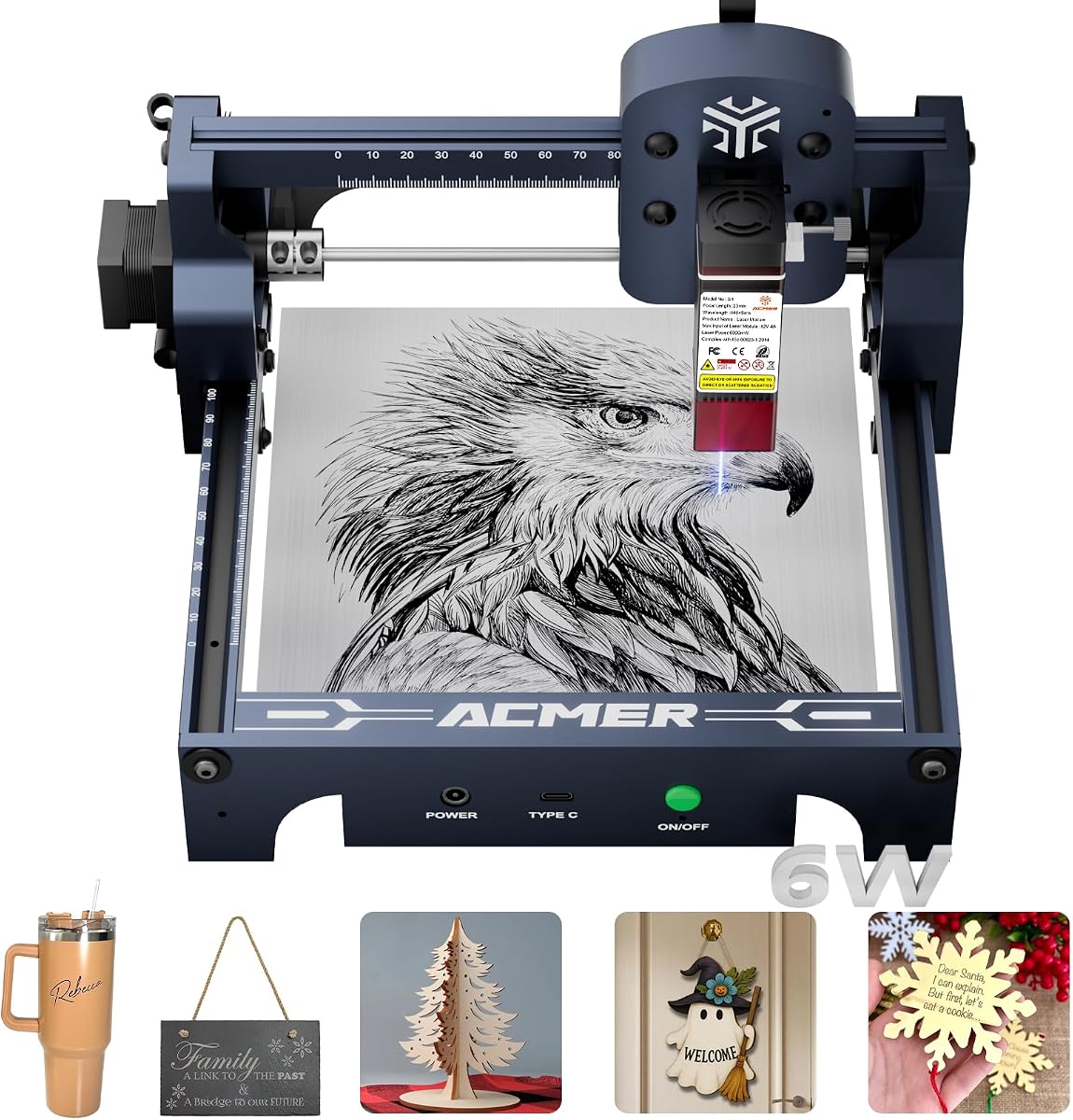
ACMER S1 Laser Engraver
4.3Editor score
6000mW diode laser
Preassembled design
Portable 2kg weight
This guide compares the top Acmer laser engraver models for 2026, evaluating precision, power, safety features, and software compatibility to help you choose
Finding the right laser engraver can transform your creative projects into professional results. Acmer offers a range of diode laser machines designed for hobbyists and small businesses alike. Each model balances power, precision, and ease of use to meet different workflow needs.
We evaluated ten distinct Acmer laser engraver options based on their technical specifications, user feedback, and real-world application capabilities. Our analysis focuses on laser power, workspace size, safety features, and software compatibility to ensure a comprehensive comparison.
Each pick highlights key strengths and potential trade-offs to help you match a machine to your specific goals. Please note that availability and pricing can change frequently, so verify details before making a final purchase decision.
4.3Editor score

4.4Editor score

5.0Editor score
The following table provides a side-by-side comparison of all ten Acmer laser engraver models. Review the key specifications to identify which machine aligns best with your project requirements and workspace constraints.



The ACMER S2 stands out as a versatile machine for both beginners and experienced makers. It holds a solid rating from users who appreciate its balance of power and ease of use.
We may earn a commission when you buy through this link, at no additional cost to you.
Powered by a true 12W laser module, this engraver handles over 100 materials including wood, leather, and coated metal. The 300x300mm workspace allows for larger projects without frequent repositioning.
While it offers high precision at 0.01mm, users should note that air assist is an optional add-on for cleaner cuts. Assembly is straightforward but requires attention to safety guidelines.
This model is ideal for small businesses needing reliable performance on diverse materials. Its compatibility with LightBurn and ACMER Studio ensures flexibility for various design workflows.
The 0.08×0.08mm laser spot allows for intricate patterns and fine text engraving with consistent results.
Optional rotary modules and risers let you expand from flat engraving to cylindrical objects easily.
We may earn a commission when you buy through this link, at no additional cost to you.
This variant of the S2 introduces AI design tools that simplify the workflow for new users. It maintains the same 12W power core as the standard model for reliable cutting.
We may earn a commission when you buy through this link, at no additional cost to you.
Users benefit from a 32-bit chip that drives speeds up to 10000mm/min. This efficiency is great for production runs or larger decorative items that need quick turnaround.
The software allows turning text prompts into designs which reduces the barrier to entry. However, advanced features may require familiarity with external programs like LightBurn.
Ideal for hobbyists who want creative freedom without complex setup steps. The speed and precision make it a strong contender for personalized gift production.
Turn text prompts or photos into engraving designs using built-in AI tools without extra software.
Advanced 32-bit chip ensures rapid processing and smooth operation during high-speed engraving.
We may earn a commission when you buy through this link, at no additional cost to you.
The ACMER S1 is designed for those seeking a compact and affordable entry into laser engraving. It comes 99% preassembled so you can start creating almost immediately.
We may earn a commission when you buy through this link, at no additional cost to you.
Weighing only 2kg, this machine is easy to store and transport. It features a 6000mW laser suitable for engraving on wood, leather, and acrylic with 0.01mm accuracy.
While the workspace is smaller at 130x130mm it is perfect for small crafts and signs. Users should consider this model if portability and simplicity are higher priorities than large format cutting.
This is an excellent choice for beginners or students working in limited spaces. The included safety features and certifications provide peace of mind for home use.
Built with industrial-grade aluminum alloy to keep weight low while maintaining durability.
Just one minute laser head installation means no complex setup is required before use.
We may earn a commission when you buy through this link, at no additional cost to you.
This 7000mW model focuses on safety and usability for home workshops. It has received a perfect rating from users who value the built-in protective features.
We may earn a commission when you buy through this link, at no additional cost to you.
The anti-UV shield and motion detection that pauses operation during abnormal movement enhance safety. It supports cutting up to 13mm paulownia wood with multiple passes efficiently.
With speeds up to 10000mm/min it finishes projects quickly without sacrificing detail. The 300x300mm area provides ample room for signs and decorations.
It is suitable for classrooms and studios where safety is a primary concern. The balance of features makes it a reliable daily driver for hobbyists.
Motion detection auto-pause and anti-UV shield reduce accidental exposure risks significantly.
Capable of cutting 13mm wood or 6mm acrylic with multiple passes for varied projects.
We may earn a commission when you buy through this link, at no additional cost to you.
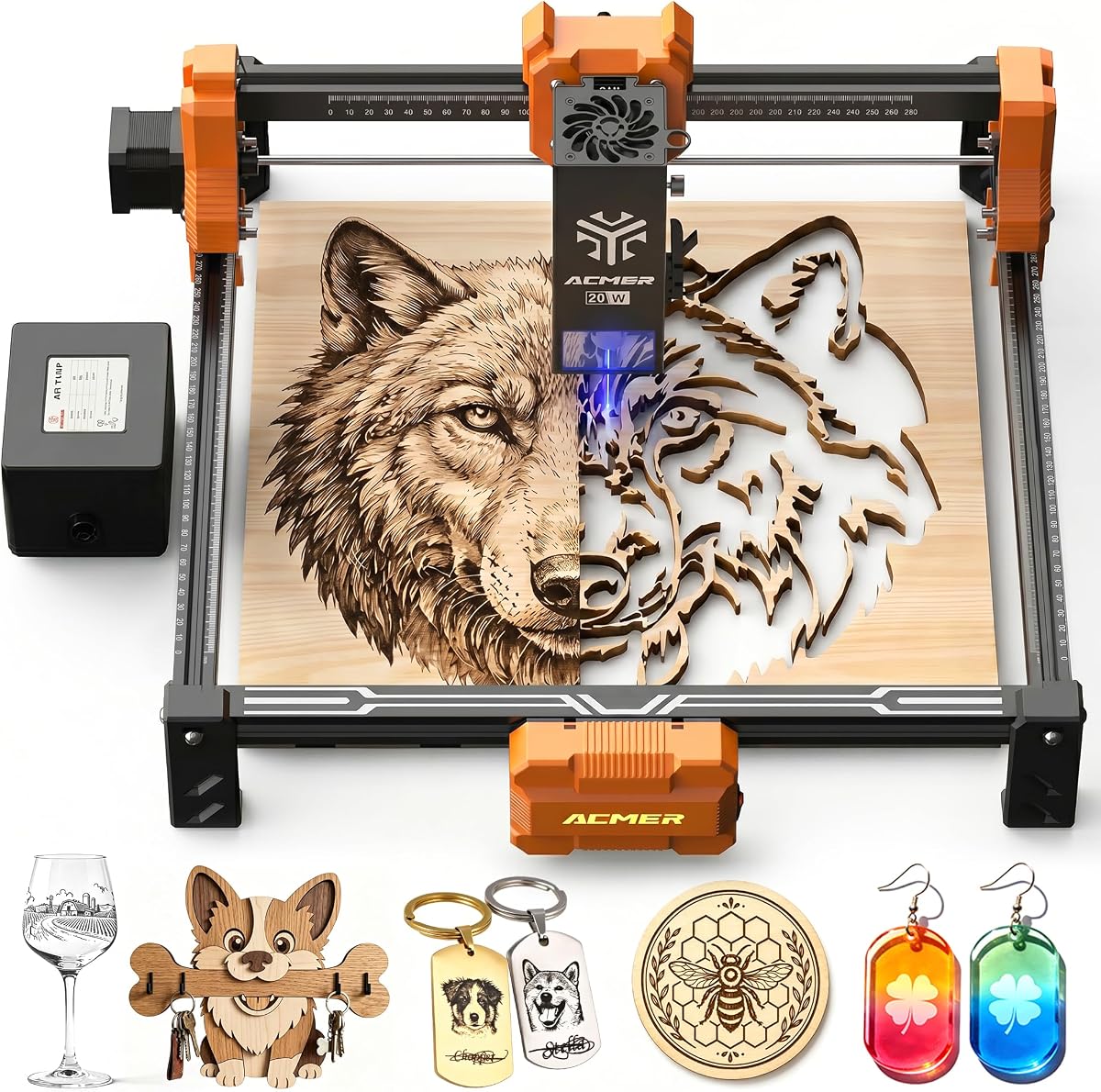
The P1 S Pro offers a significant upgrade with a true 20W diode laser module. It is designed for users who need deeper cuts and professional-grade engraving results.
We may earn a commission when you buy through this link, at no additional cost to you.
A built-in 25L/min air assist pump minimizes burn marks and protects the lens during operation. This feature ensures cleaner cuts on wood and acrylic without manual intervention.
The laser head uses lens blue light synthesis technology with a lifespan of 8000 hours. This durability supports frequent use in a small business environment.
Ideal for those scaling up from hobbyist projects to commercial orders. The speed and precision make it suitable for batch production of detailed items.
Air assist helps minimize burn marks and smoke residue for higher quality edges.
Lens blue light synthesis technology extends the module lifespan for consistent performance.
We may earn a commission when you buy through this link, at no additional cost to you.
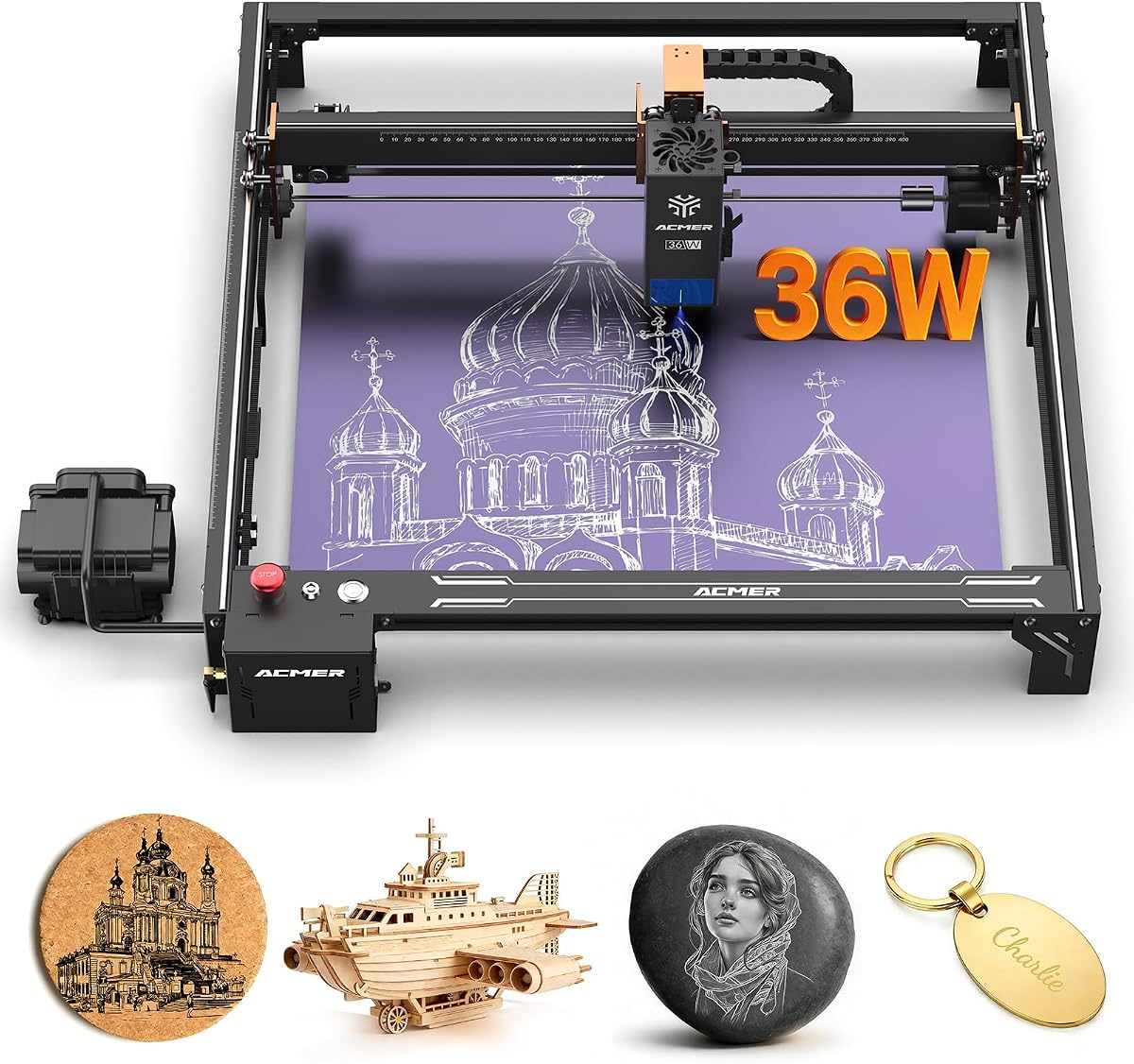
This model is a powerhouse with a 36W module and dual linear rails for stability. It is built for users who need speed and precision for long production runs.
We may earn a commission when you buy through this link, at no additional cost to you.
The workspace expands to 400x400mm which accommodates larger signs and decorative pieces. Engraving speeds reach 24000mm/min allowing for rapid output on simple designs.
WiFi and TF card support offer flexible connectivity options for offline control. However, the advanced features require more setup time and understanding of the software.
Best suited for small businesses that prioritize volume and speed. The linear rails ensure consistent quality even at high speeds during extended operation.
Dual linear rails reduce vibration and misalignment during high-speed engraving tasks.
WiFi TF card and USB connections allow wireless control and convenient offline engraving.
We may earn a commission when you buy through this link, at no additional cost to you.
This variant combines 20W power with an included air assist pump for efficient processing. It offers a solid platform for detailed engraving and cutting on various materials.
We may earn a commission when you buy through this link, at no additional cost to you.
The 300x285mm workspace is slightly smaller than the S2 but sufficient for most DIY projects. Safety limit switches help define the working area to prevent frame collision.
Users appreciate the 25L/min air assist for reducing smoke and improving edge quality. It ensures professional-grade operation without needing to buy extra accessories.
Perfect for those who want a balance of power and safety features. The compatibility with various file formats makes it easy to integrate into existing workflows.
25L/min pump reduces burn marks and improves cutting edge quality effectively.
Built-in limit switches prevent the laser head from hitting the frame during operation.
We may earn a commission when you buy through this link, at no additional cost to you.
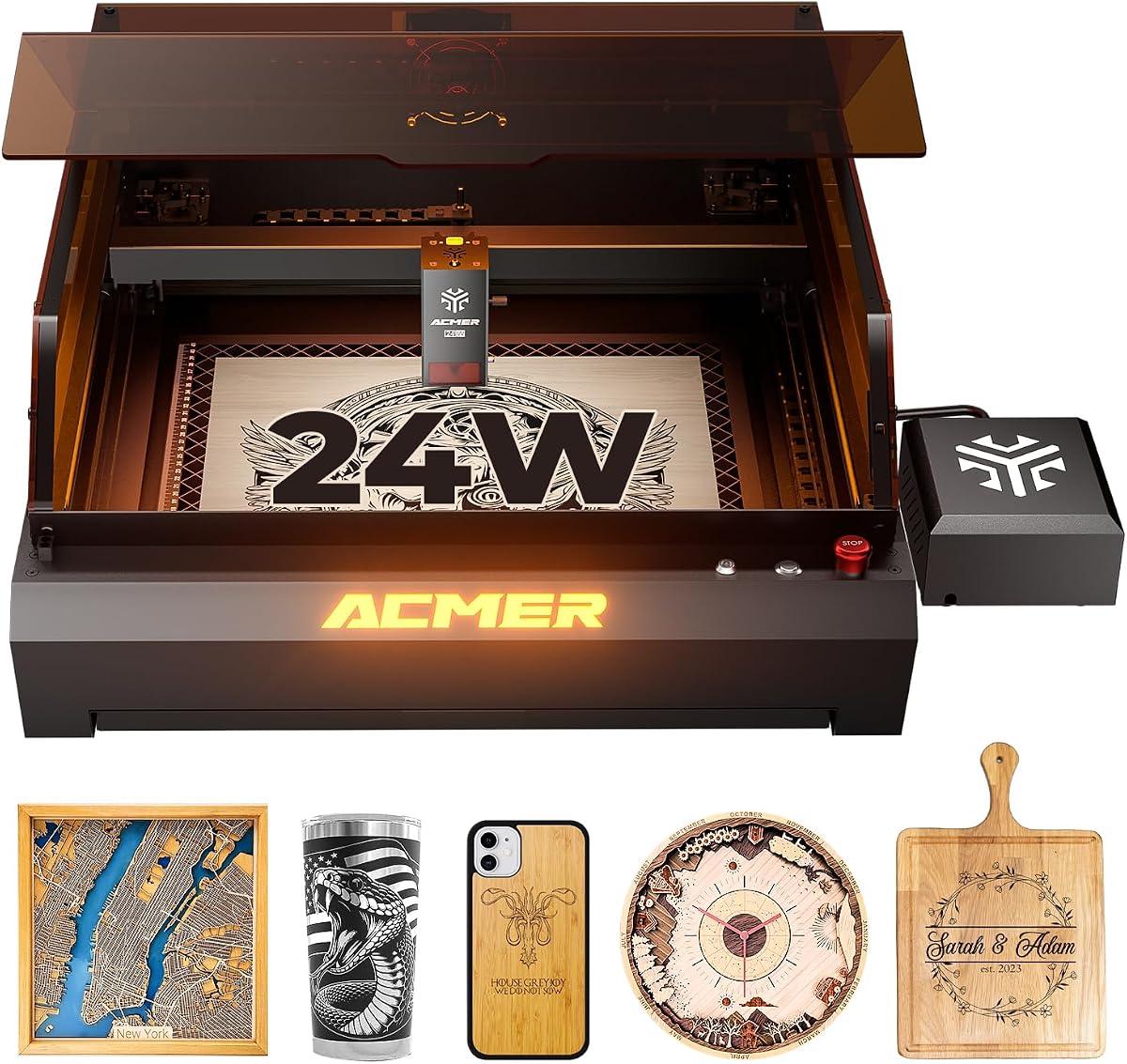
The P3 is the flagship model with a switchable 48W output and a closed-box design. It prioritizes safety and performance for professional applications.
We may earn a commission when you buy through this link, at no additional cost to you.
It features automatic fire detection and over-temperature protection along with a camera module for precise positioning. The SGS Class 1 certification ensures minimal smoke and sound leakage.
Construction uses industrial-grade aluminum and linear guides for exceptional stability. It is the best choice for users who need a fully enclosed and safe environment.
Ideal for advanced makers or small businesses needing high throughput. The camera module simplifies alignment making it easy to engrave specific areas on objects.
Closed-box design reduces 90% of smoke and sound for a cleaner working environment.
Switch between 24W and 48W output to match your specific engraving or cutting needs.
We may earn a commission when you buy through this link, at no additional cost to you.
This model integrates diode and infrared lasers for seamless material switching within a closed box. It is designed for desktop use with high precision and safety.
We may earn a commission when you buy through this link, at no additional cost to you.
The CoreXY structure with motion compensation algorithm ensures smooth movement at high speeds. A built-in camera module allows for drag-and-drop positioning of engraving materials.
It offers a 400x400mm range which is larger than most desktop options. Safety features include tilt protection and limit switches to prevent accidents during operation.
Perfect for those seeking a compact yet powerful solution with safety. The aviation-grade aluminum frame provides durability and stability for daily professional use.
Motion compensation algorithm solves blurring and frame loss under high-speed motion.
Built-in camera module allows free dragging of engraving materials with up to 2mm accuracy.
We may earn a commission when you buy through this link, at no additional cost to you.
This model offers a large 380x370mm workspace with a 6W dual-beam laser module. It focuses on simplicity and connectivity through WiFi and mobile apps.
We may earn a commission when you buy through this link, at no additional cost to you.
The modular frame design makes installation quick and maintenance hassle-free. It can cut 12mm wood and 8mm acrylic in one pass which is impressive for its size.
Users receive protective laser glasses with 97% UV filtering for safe operation. The large workspace supports big designs without the complexity of higher-end models.
Ideal for beginners or casual users needing a spacious area. The safety certification and included protection make it a responsible choice for home workshops.
380x370mm workspace gives plenty of room for large-scale designs and projects.
Data transfer via WiFi USB and TF card works with PC software and mobile apps.
We may earn a commission when you buy through this link, at no additional cost to you.
Selecting the right laser engraver involves balancing power, workspace size, and safety features. This guide breaks down the key factors to help you make an informed decision.
Laser power determines how deep and fast you can cut or engrave materials. Higher wattage allows for thicker materials like 15mm wood or 12mm acrylic in fewer passes.
Look for true power ratings rather than peak values to ensure consistent performance for your needs.
The working area dictates the maximum size of projects you can handle without moving the material. Larger areas are essential for signs or multi-piece layouts.
Consider models that allow optional expansions if you plan to grow your project scope over time.
Safety is critical when using high-power lasers. Look for anti-UV shields, motion detection auto-pause, and Class I or Class 4 certifications.
Built-in protective gear and closed-box designs significantly reduce exposure risks in home environments.
Software flexibility ensures you can use your preferred design tools without constraints. Check for support for LightBurn LaserGRBL and the manufacturer's own software.
AI design tools can simplify workflows but verify they support the file formats you need.
An air assist pump blows air through the cutting lens to clear debris and prevent burning. This results in cleaner edges and longer lens life.
Decide if you need a built-in pump or prefer to add one separately to manage costs.
Modern engravers offer WiFi USB and TF card connections for offline control. This is useful if you want to run jobs without a computer constantly connected.
Choose a connection method that fits your existing setup to avoid extra hardware expenses.
Weight and dimensions matter if you plan to store the machine away between uses. Compact models are easier to transport but may have smaller workspaces.
Check the total assembly dimensions to ensure it fits your available space comfortably.
Reliable customer support and a solid warranty protect your investment against defects. Most manufacturers offer at least 12 months of coverage for parts.
Verify the availability of spare parts and community resources before making a purchase.
Always place the engraver on a flat stable surface in a well-ventilated area. Remove any flammable objects nearby and wear the provided safety goggles before starting.
Calibrate the focal length according to the material height to ensure the laser spot is precise. Run a small test pattern on a scrap piece to verify settings before engraving the final item.
Clean the lens and mirrors regularly with soft alcohol swabs to prevent smoke residue from affecting quality. Store the unit in a dry place and avoid touching the laser module directly.
Acmer laser engravers can handle over 100 materials including wood, leather, acrylic, coated metal, and cardboard. Avoid clear transparent materials and PVC as they can release harmful gases during cutting.
You can use free software like ACMER Studio LaserGRBL or paid options like LightBurn. The machines are compatible with common file formats such as JPG PNG and DXF.
Most diode laser modules have a lifespan of around 8000 hours depending on usage intensity. Proper maintenance and avoiding continuous operation without breaks can extend this life.
While not strictly required an air assist pump helps reduce burn marks and improves cut quality significantly. It also protects the lens from smoke debris residue during the process.
You can engrave on coated or anodized metals but bare reflective metals like stainless steel require higher wattage or specific coatings for best results.
Always use protective goggles and the anti-UV shield. Keep the machine unattended only if it has auto-pause features. Ensure proper ventilation to avoid smoke accumulation.
Cutting thickness depends on the laser power. A 12W model can cut up to 15mm paulownia wood with multiple passes while higher power models handle thicker materials faster.
Many models like the S1 arrive 99% preassembled while others may require minor setup like attaching the laser head. Check the product specifics for assembly requirements.
The ACMER S2 and P3 models stand out for their balance of power and safety making them top choices for serious hobbyists and small businesses. The S1 offers a budget-friendly option for those just starting out.
Prioritize safety features like closed boxes or auto-pause if you work in a shared or home environment. Ensure the workspace size matches your typical project dimensions to maximize efficiency.
Remember that prices and availability can change frequently so double-check the latest details on the manufacturer site. Choose a machine that supports your current needs while allowing for future expansion.