
Dell 24 240Hz Gaming Monitor – SE2426HG
4.7Editor score
240Hz refresh rate
0.5ms response time
FreeSync Premium support
Finding the right gaming display means balancing speed and image quality. A 24 inch G Sync monitor offers crisp visuals and smooth motion for competitive play. We evaluate key specs to help you find the perfect match for your setup.
We analyzed ten top-rated models based on refresh rate, response time, and color accuracy. Each product supports NVIDIA G Sync compatibility to eliminate tearing during intense sessions. Our review highlights performance strengths and ideal use cases for every pick.
Each selection includes detailed specs, pros, and cons to guide your decision. Ratings reflect user feedback and technical benchmarks across gaming and media use. Prices fluctuate often so check current listings before finalizing your purchase today.
4.7Editor score
4.9Editor score

4.4Editor score
As an Amazon Associate we earn from qualifying purchases.
Compare the top ten 24 inch G Sync monitors side by side to find the right balance of speed and visual quality for your gaming needs.


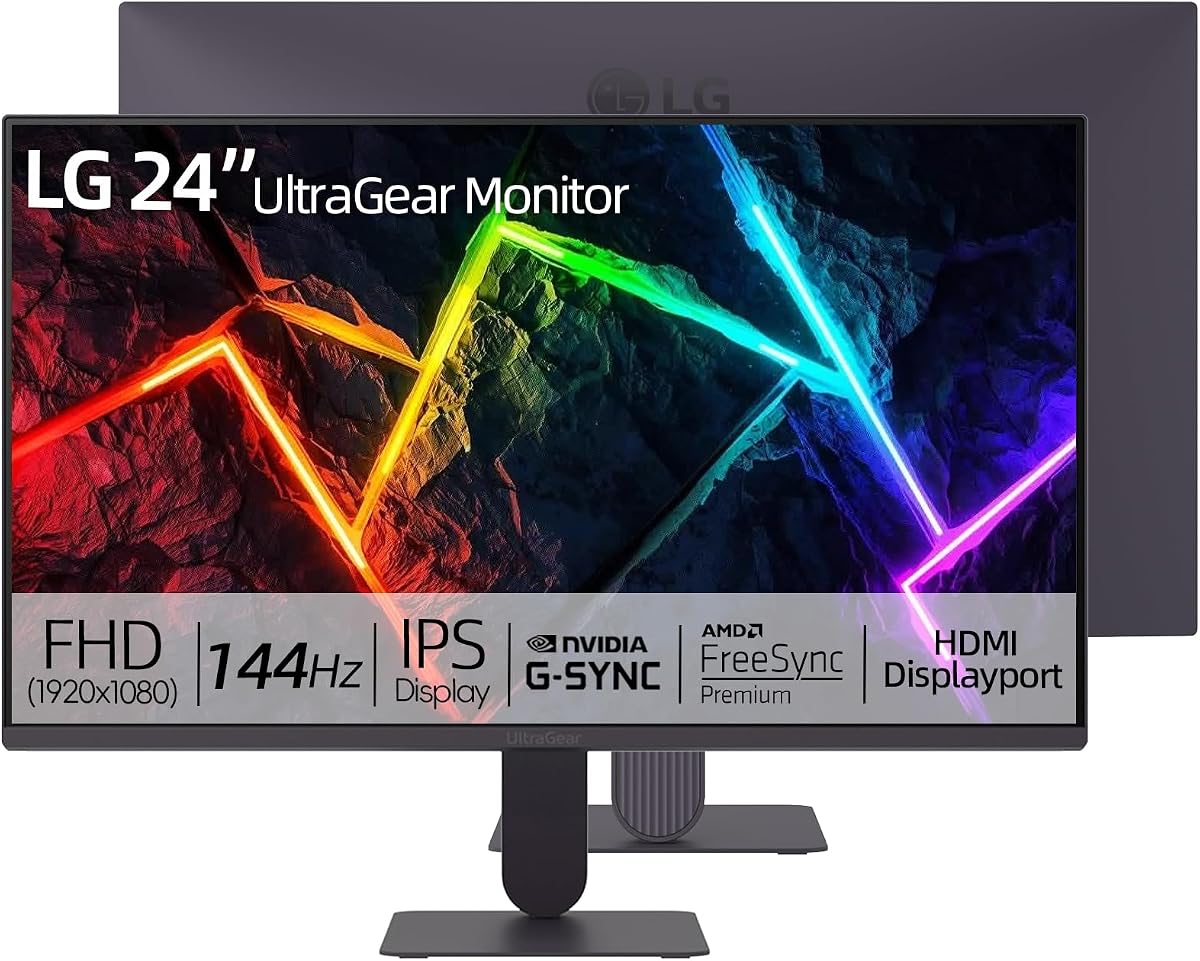
The LG 24G411A-B stands out as a top contender with a 144Hz refresh rate and 1ms MBR. Its IPS panel delivers rich colors and wide viewing angles. Users praise the smoothness for FPS games and competitive play.
We may earn a commission when you buy through this link, at no additional cost to you.
This monitor supports NVIDIA G Sync Compatible and AMD FreeSync to eliminate screen tearing. Dynamic Action Sync reduces input lag while Black Stabilizer improves visibility in dark scenes. HDR10 ensures vibrant visuals for media and gaming alike.
The slim bezel offers an immersive viewing experience with minimal distractions. However the stand only tilts which may limit ergonomic comfort. Adjusting height requires a separate VESA mount solution for ideal positioning.
Gamers seeking speed and color quality should consider this model. Its balance of performance and affordability makes it a strong choice for mid-range setups. Ensure your desk has space for the tilt-only stand design.
The 144Hz refresh rate ensures fluid motion reducing blur during fast action sequences.
IPS technology delivers 99% sRGB coverage for vibrant and accurate image display.
We may earn a commission when you buy through this link, at no additional cost to you.
The Dell SE2426HG offers incredible speed with a 240Hz refresh rate and 0.5ms response time. It delivers smooth visuals ideal for competitive gaming. The IPS panel ensures consistent colors across wide angles.
We may earn a commission when you buy through this link, at no additional cost to you.
This monitor supports AMD FreeSync Premium to prevent tearing during gameplay. TÜV Rheinland certification reduces blue light for better eye comfort during long sessions. Multiple HDMI and DisplayPort inputs provide flexible connectivity options.
While it lacks native G-Sync hardware compatibility it still supports compatible features. The stand only tilts which may require additional mounting for better ergonomics. Budget buyers will appreciate the high performance per dollar ratio.
Players focused on raw speed at an entry price should pick this model. It maximizes refresh rates without breaking the bank. Consider VESA mounting if you need height or pivot adjustments.
At 240Hz motion blur is minimized for ultra responsive gaming performance.
TÜV Rheinland 3-Star rating ensures reduced blue light for comfortable viewing.
We may earn a commission when you buy through this link, at no additional cost to you.
The ASUS TUF VG249QML5A is built for pros with 240Hz speed and 0.3ms response. It supports G Sync for seamless gameplay without tearing. The stand offers height adjustment for better ergonomics.
We may earn a commission when you buy through this link, at no additional cost to you.
Fast IPS technology ensures sharp visuals with excellent color accuracy. ELMB SYNC technology reduces ghosting while maintaining variable refresh rates. DisplayWidget Center simplifies OSD adjustments using just a mouse.
This model comes with a 3 year warranty and Adobe Creative Cloud access. While premium it may lack advanced HDR features found on higher end models. It balances raw speed with usability for serious gamers.
Competitive players needing top tier motion clarity should choose this monitor. The ergonomic design supports long sessions comfortably. Ensure your GPU supports high refresh rates to maximize its potential.
ELMB SYNC combines blur reduction with VRR for ghost free gameplay.
Height adjustable stand ensures proper posture during extended gaming sessions.
We may earn a commission when you buy through this link, at no additional cost to you.
The LG 24G414B-B combines speed with a slim aesthetic design. It features a 144Hz refresh rate and 1ms MBR for sharp visuals. HDR10 support enhances color depth for a vivid experience.
We may earn a commission when you buy through this link, at no additional cost to you.
NVIDIA G Sync Compatible and AMD FreeSync ensure smooth gameplay across platforms. Built-in stereo speakers add convenience for casual use. Dynamic Action Sync improves input lag significantly.
Its minimal stand design saves desk space but limits adjustability. Users may need a VESA mount for height changes. The price is competitive for those wanting a sleek setup.
Ideal for users prioritizing looks and fast refresh rates. It works well for console gaming or office use. Check compatibility with your existing VESA mount options.
Built-in speakers provide clear sound without needing external speakers.
Ultra-slim bezel minimizes distractions for an immersive gaming view.
We may earn a commission when you buy through this link, at no additional cost to you.
The ASUS TUF Gaming 24" delivers 200Hz refresh speed and 0.3ms response. It supports G Sync and FreeSync Premium for tear free gaming. Anti-glare coating reduces reflections for clear viewing.
We may earn a commission when you buy through this link, at no additional cost to you.
The matte screen works well across Windows and Mac systems. 99% sRGB ensures vibrant visuals for daily tasks. Multiple ports allow flexible connections for different devices.
It lacks height adjustment which limits ergonomic customization. The lack of user rating data may indicate new model release. Consider it for consistent performance across mixed workloads.
Gamers needing reliable speed in a budget-friendly package will like this. It balances refresh rates with color accuracy effectively. Check current stock and reviews before purchase.
Supports Windows, Mac, and Linux for versatile system integration.
Matte screen coating prevents reflections during bright room use.
We may earn a commission when you buy through this link, at no additional cost to you.
The LG 24" Ultragear FHD boasts a top user rating of 4.9 stars. It offers 144Hz refresh speed and 1ms MBR clarity. HDR10 and sRGB 99% deliver accurate visuals.
We may earn a commission when you buy through this link, at no additional cost to you.
Compatible with G Sync and FreeSync for smooth gaming. Black Stabilizer aids visibility in dark game areas. Dynamic Action Sync reduces input lag for precise control.
The stand tilts but does not adjust height. This may require extra accessories for perfect ergonomics. It remains a favorite for its consistent performance.
Buyers seeking proven reliability should pick this model. Its high user satisfaction suggests quality build. Verify mount options before finalizing your setup.
99% sRGB ensures vibrant and true-to-life image reproduction.
Dynamic Action Sync minimizes lag for responsive gameplay.
We may earn a commission when you buy through this link, at no additional cost to you.
This LG model holds a perfect 5.0 rating from users. It offers 144Hz overclock and 1ms MBR for sharp motion. HDR10 enhances contrast and color for media.
We may earn a commission when you buy through this link, at no additional cost to you.
G Sync and FreeSync keep gameplay fluid without tearing. Black Stabilizer improves visibility in shadows. Crosshair tools assist with aiming accuracy.
Ultra-narrow bezels maximize screen real estate. The tilt stand may limit posture adjustments. It is ideal for those seeking value.
Reviewers praise its consistent quality and speed. Ensure your GPU can support overclock rates fully. Great for both gaming and multitasking.
Crosshair feature improves targeting precision in shooters.
Slim bezel maximizes screen space for immersion.
We may earn a commission when you buy through this link, at no additional cost to you.
This ASUS model features 200Hz refresh rate and 0.3ms response. It supports G Sync and FreeSync Premium for smooth play. IPS panel ensures consistent colors.
We may earn a commission when you buy through this link, at no additional cost to you.
Eye care tech reduces blue light for comfort. DisplayPort and HDMI connectivity offers flexibility. VESA support allows easy wall mounting.
Lack of user ratings may reflect a newer release. The focus is on raw speed and color. It serves competitive gamers well.
Check current availability and reviews before buying. Ensure your system supports high refresh rates. A strong pick for responsive play.
Low Blue Light reduces eye strain during long use.
Multiple ports support various gaming systems and PCs.
We may earn a commission when you buy through this link, at no additional cost to you.
Another LG variant with perfect 5.0 user rating. It supports 144Hz refresh and HDR10 color. MBR keeps motion blur low.
We may earn a commission when you buy through this link, at no additional cost to you.
Black Stabilizer helps in dark scenes. Crosshair tools aid accuracy. Slim bezel design reduces visual distraction.
Tilt stand lacks height adjustment. Ideal for tight desks. Consistent quality makes it reliable.
Buyers value the immersive design. Check desk clearance before purchase. A top choice for aesthetics and speed.
Slim frame maximizes screen visibility.
1ms MBR ensures sharp frames in motion.
We may earn a commission when you buy through this link, at no additional cost to you.
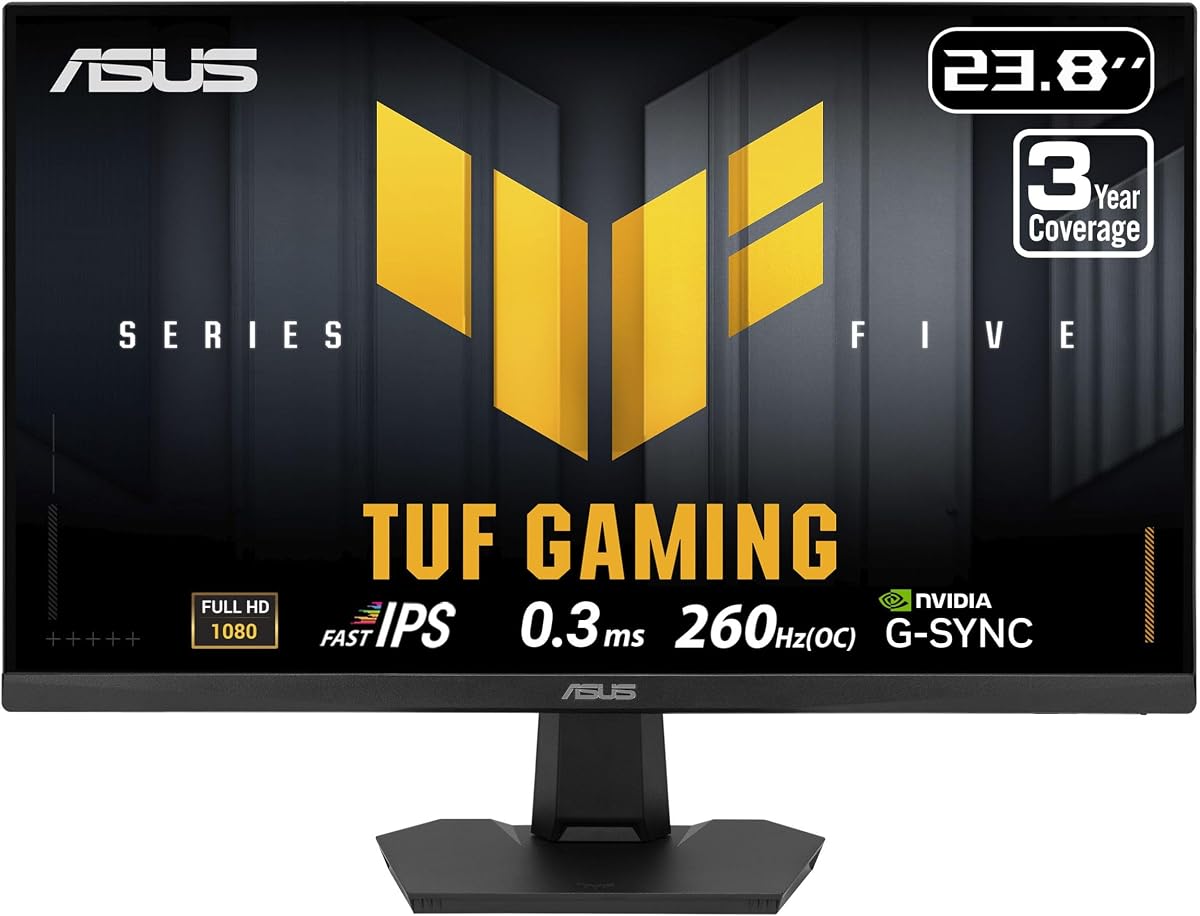
This model leads with 260Hz refresh rate and 0.3ms response. Supports G Sync and FreeSync Premium. Built-in speakers add convenience.
We may earn a commission when you buy through this link, at no additional cost to you.
ELMB SYNC technology reduces ghosting. 3-month Adobe Cloud included. HDR10 ensures vivid colors.
New release lacks user ratings. It is built for high FPS. Verify GPU compatibility.
Perfect for pro-level competitive play. Consider warranty details before buying. A top-tier speed option.
260Hz ensures ultra fluid motion for esports.
Includes Adobe Creative Cloud for design needs.
We may earn a commission when you buy through this link, at no additional cost to you.
Selecting a 24 inch G Sync monitor requires balancing speed and quality.
Higher refresh rates like 144Hz or 240Hz deliver smoother motion for fast games.
Look for at least 144Hz for competitive play.
A 1ms response time reduces ghosting during fast action.
Lower is better for clarity.
IPS panels offer wide viewing angles and accurate colors.
Choose IPS for better image quality.
G Sync and FreeSync prevent screen tearing during gameplay.
Ensure your GPU supports the sync standard.
A height adjustable stand helps prevent strain during long sessions.
Look for tilt and pivot options.
HDMI and DisplayPort inputs support various gaming consoles and PCs.
Choose models with ample ports.
Install the monitor stand carefully and connect the DisplayPort cable for best performance.
Adjust settings like G Sync and refresh rate in your graphics panel.
Clean the screen with a microfiber cloth to avoid scratches.
G Sync compatibility means the monitor can sync with your GPU to prevent screen tearing. It ensures smooth gameplay by matching refresh rates to frame rates. Not all monitors support native G Sync hardware.
Yes, 24 inch monitors are excellent for productivity and multitasking. They offer sharp text and enough screen space for windows. Ensure the refresh rate doesn't distract during typing.
High refresh rate monitors benefit from powerful PCs to drive 144Hz or 240Hz. Without it you may not see the full speed. Match your GPU to the refresh rate.
Use a soft microfiber cloth to wipe the screen gently. Avoid chemical sprays and alcohol which can damage coatings. For stubborn spots use water and mild soap sparingly.
Most models listed support VESA mounting for flexible setups. Check the specific product details for hole patterns. Use a compatible arm to adjust height and viewing angle.
HDR10 improves brightness and contrast for richer visuals. In gaming it adds depth to colors and shadows. It is a bonus feature for media consumption.
We reviewed ten 24 inch G Sync monitors for speed and quality.
Prioritize refresh rate and ergonomic design for long sessions.
Check current prices and compatibility before buying today.