
X1 USB Cooling Fan
4.4Editor score
120mm fan size
18dB noise level
Integrated cable design
This guide compares the top external USB powered cooling fans for routers and consoles based on airflow noise and durability to help you choose wisely.
External USB powered cooling fans provide an efficient way to manage heat in electronics like routers and consoles. They help prevent overheating and extend device lifespan while running quietly during operation.
We compared ten top models focusing on airflow performance noise levels and build quality. Each unit offers unique features like speed control and compatibility to meet diverse cooling needs effectively.
Each pick highlights key strengths and ideal use cases for different setups. Prices may change so check current listings before buying to ensure you get the best value today.
4.4Editor score
4.7Editor score
4.1Editor score
Here is a side by side look at all ten models including their dimensions airflow and noise levels so you can quickly find the right fit for your setup.


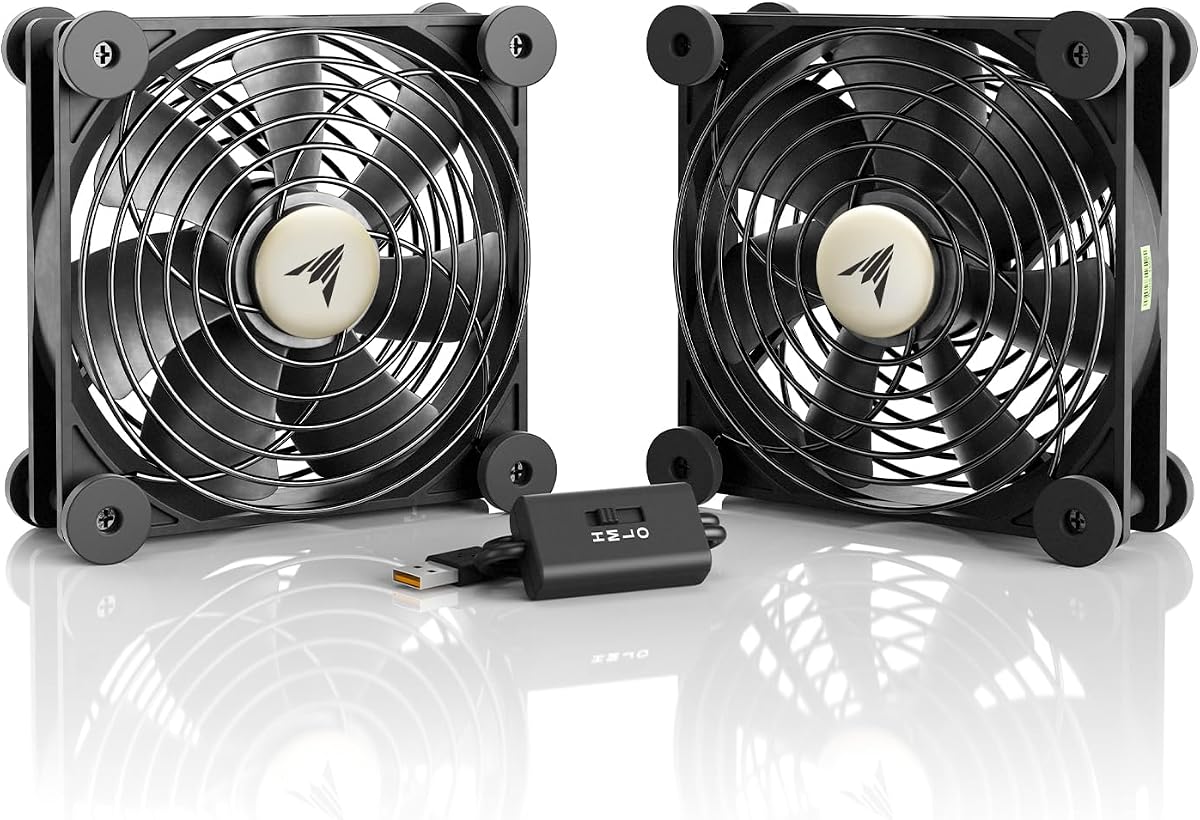
The ACI MULTIFAN S7 stands out as a top performer with its dual 120mm fans. It offers excellent cooling capacity while staying nearly silent at 19 dBA making it ideal for home setups.
We may earn a commission when you buy through this link, at no additional cost to you.
Its dual ball bearing design ensures longevity rated for 67000 hours of use. The multi speed controller lets you balance airflow and noise precisely for any device needing ventilation.
While it costs more than basic models the build quality justifies the price. You trade a bit of budget savings for proven reliability and consistent performance over years of daily use.
Buy this if you need dependable cooling for routers or AV gear without noise. It is the best overall choice for those prioritizing quality and quiet operation above all else.
This fan operates at just 19 dBA which is quieter than most background conversations. You can place it near your desk or living room without distraction.
With a rated lifespan of 67000 hours this fan is built to last for years. The dual ball bearings reduce wear and ensure smooth operation over time.
We may earn a commission when you buy through this link, at no additional cost to you.
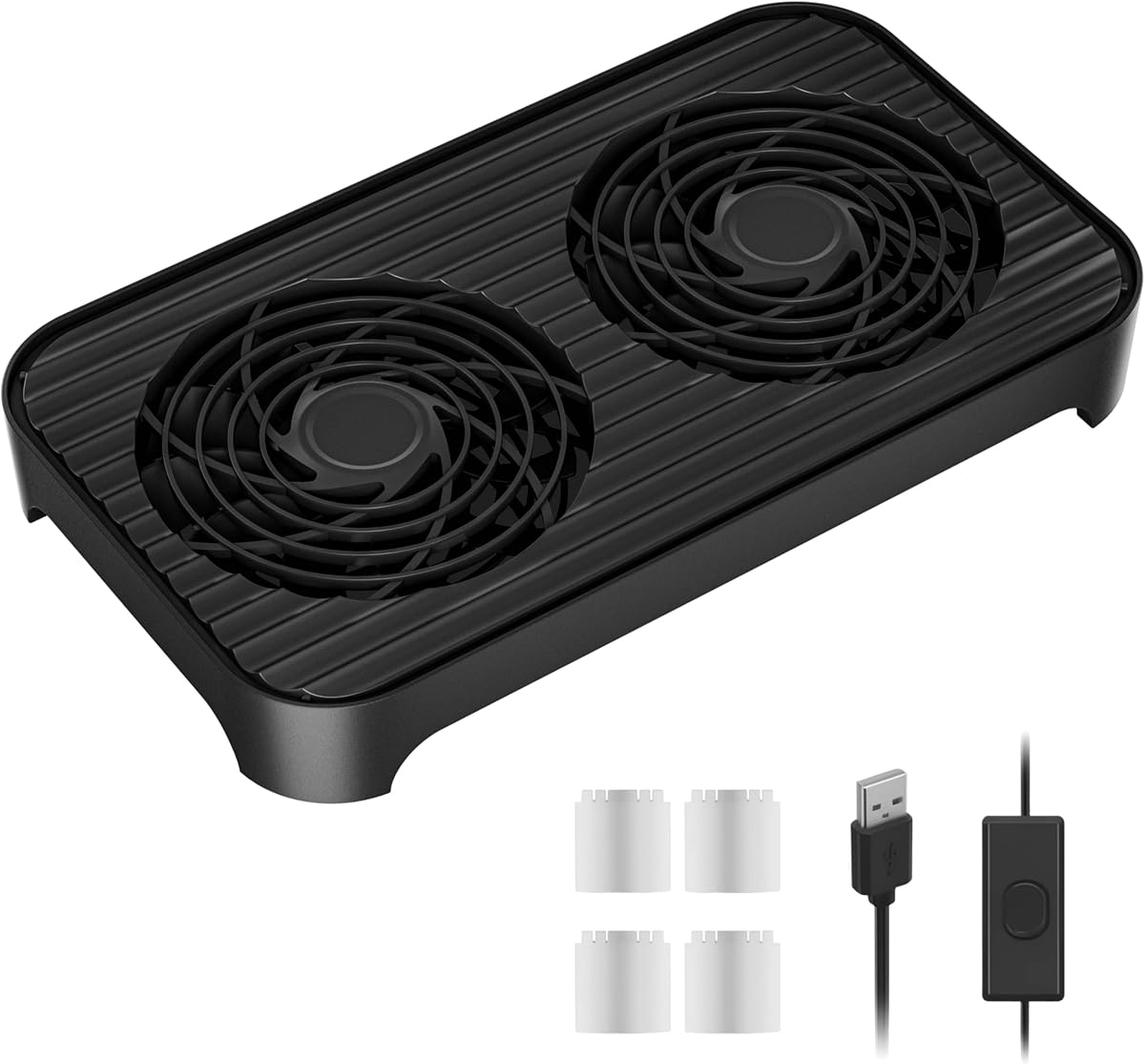
The X1 USB Cooling Fan delivers incredible value with its 18dB noise rating and strong airflow. It cools devices effectively without costing much making it perfect for budget conscious buyers.
We may earn a commission when you buy through this link, at no additional cost to you.
Its 120mm design pushes 55.8 CFM of air which is impressive for the price. The shock absorbing pads keep it stable and prevent scratches on your surfaces during use.
You cannot adjust speeds on this model which is a minor trade off for the cost savings. It runs continuously at one setting that works well for most cooling tasks.
Choose this if you want effective cooling on a tight budget. It is the best budget option for basic needs like routers or small gaming consoles.
Operating at just 18dB this fan is quieter than a whisper. It adds no audible noise to your environment while still providing strong cooling power.
The compact footprint fits easily in tight spaces. Its flat or upright placement options help it blend into any setup neatly.
We may earn a commission when you buy through this link, at no additional cost to you.
The X4 Quiet USB Cooling Fan offers the largest cooling surface with dual 140mm fans. It combines high airflow with premium features like stackable design for versatile use.
We may earn a commission when you buy through this link, at no additional cost to you.
Its dual USB ports allow charging devices while cooling others. The 18dB noise level ensures it stays silent even when running at high speed to lower temps.
The stackable design adds height which might not fit all enclosures. It is bulkier than smaller fans so measure your space before deciding to buy.
Buy this if you need maximum cooling power and extra USB access. It is the best premium choice for large gaming cabinets or demanding setups.
This fan includes dual USB ports so you can charge devices while it runs. It reduces cable clutter and adds convenience to your setup.
The raised foot pads allow stacking to save floor space. You can store items under the fan layer for a neat organized look.
We may earn a commission when you buy through this link, at no additional cost to you.
The ELUTENG Dual Cooling Fan uses two 80mm fans for strong localized cooling. It offers three speed settings to match airflow with your needs efficiently.
We may earn a commission when you buy through this link, at no additional cost to you.
Built with hydraulic bearings it runs quietly and reliably over time. The rubber shock absorbers keep it stable on any surface during operation.
It is smaller so it may not cover wide areas. The cable length is shorter which could limit where you plug it in.
Select this for tight spots needing dual fan power. It works well for routers or small electronics requiring targeted cooling.
This fan can stand upright or lay flat easily. Its compact size fits in narrow spaces where larger fans cannot go.
Three speed options let you tune the cooling. You can switch between low for quiet or high for fast cooling.
We may earn a commission when you buy through this link, at no additional cost to you.
This model offers ten speed levels giving you precise control over airflow. It supports both 5V and 12V power which adds versatility for different power sources.
We may earn a commission when you buy through this link, at no additional cost to you.
With double ball bearings it lasts up to 60000 hours. Dust and moisture proofing helps it survive in varied environments reliably.
More speed settings mean more complex setup. The 12V option needs an adapter which might not be included or handy.
Buy if you want fine tuning for airflow. It suits projects needing custom speeds like terrariums or DIY cases.
It works with 5V USB or 12V DC. This lets you connect it to many different power sources easily.
Dust and moisture proofing protect the motor. The ball bearings ensure it keeps running smooth for years.
We may earn a commission when you buy through this link, at no additional cost to you.
The Easy Cloud USB Computer Fan is designed with eight anti vibration feet for stability. This makes it very stable in cabinets or cases where vibration matters.
We may earn a commission when you buy through this link, at no additional cost to you.
It runs at low noise on the low setting making it good for offices. The three speed controller offers enough flexibility for most cooling tasks.
It is made of plastic which is light but not as heavy duty. Airflow is decent but not the highest in this comparison.
Choose this for PC cases or greenhouses. It is a solid pick for stable cooling without noise.
Eight feet absorb shocks during use. This keeps the fan steady and reduces noise from movement.
Low speed runs quietly for bedrooms. High speed cools fast when you need it most.
We may earn a commission when you buy through this link, at no additional cost to you.
This dual fan model delivers strong airflow in a compact frame. It runs quietly at 21dB on low which suits quiet rooms well.
We may earn a commission when you buy through this link, at no additional cost to you.
Iron grills protect fingers and wires while it operates. The dual ball bearings promise 65000 hours of reliable cooling.
You do not get a splitter so use one port per fan. It is simple and effective without extra parts.
Buy this for solid mid range cooling power. It fits most AV setups needing safe and quiet cooling.
Iron grills shield blades from contact. This keeps fingers and wires safe while the fan runs.
Dual ball bearings extend its life. You get years of cooling without frequent replacement.
We may earn a commission when you buy through this link, at no additional cost to you.
The Quiet 140mm USB Fan offers large surface area cooling in a single unit. Its size helps move air efficiently without high RPMs.
We may earn a commission when you buy through this link, at no additional cost to you.
It runs at 22.2dB on low which is still very quiet. Shockproof feet ensure it stays in place without scratching furniture.
It requires more space than smaller fans. You should check dimensions before adding it to tight cabinets.
Choose this for bigger open areas. It suits large cabinets or TV stands needing broad cooling.
The 140mm blades move more air per rotation. This cools larger surfaces gently and effectively.
Shockproof pads keep it steady. They prevent sliding and reduce noise from vibration.
We may earn a commission when you buy through this link, at no additional cost to you.
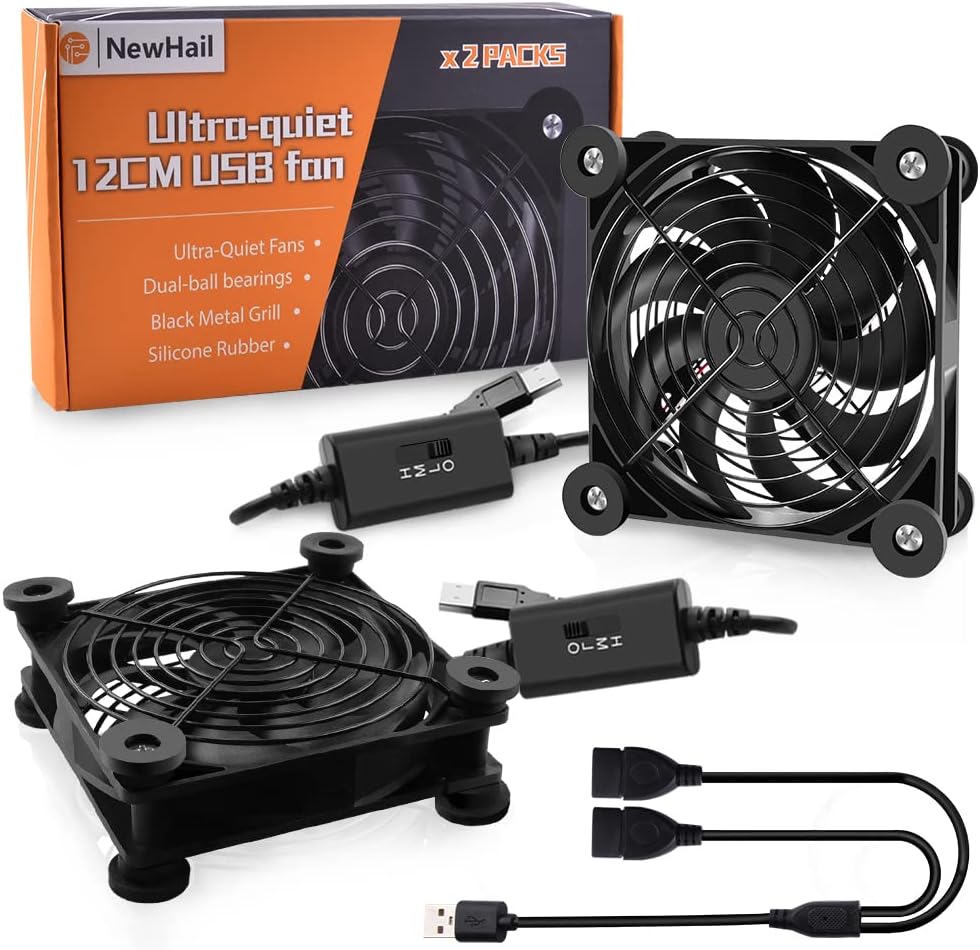
This 2-pack includes two 120mm fans and a splitter cable. You can power both from one USB port which saves sockets.
We may earn a commission when you buy through this link, at no additional cost to you.
Both fans run at 19 DBA which is very quiet. The 9 blade design provides good airflow to prevent overheating.
Installing two fans may add cable clutter to your setup. Manage wires carefully for a clean look.
Buy this for cooling two devices at once. It is cost effective for large cabinets needing dual coverage.
One USB cable splits to power two fans. This reduces plug usage and keeps setup tidy.
Both fans stay at 19 DBA. You get double cooling without extra noise.
We may earn a commission when you buy through this link, at no additional cost to you.
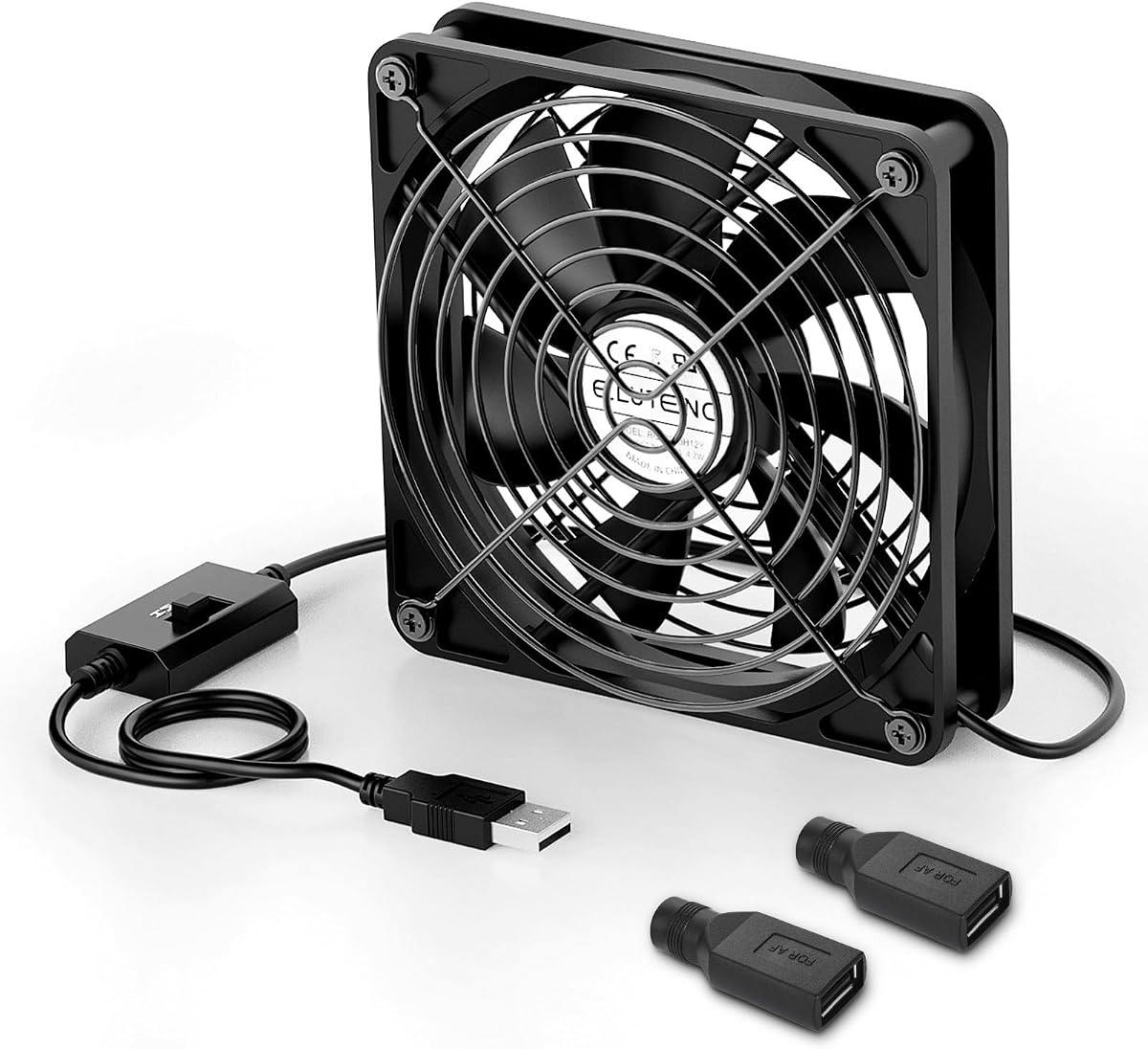
The ELUTENG 120mm Fan comes with DC to USB adapters. This helps connect to devices with different interfaces easily.
We may earn a commission when you buy through this link, at no additional cost to you.
It has 56 CFM max air and three speeds for control. The metal grill keeps fingers safe during operation.
The metal build makes it slightly heavier. The cable length is short so place it near a port.
Buy this for versatile connection options. It suits users who need interface adapters for custom setups.
DC to USB adapters help connect many devices. This reduces compatibility issues with different ports.
Metal grill protects blades and fingers. It adds durability and safety for daily use.
We may earn a commission when you buy through this link, at no additional cost to you.
Selecting the right cooling fan involves considering size noise power and durability to match your device needs.
Larger fans like 140mm move more air but need more space. Check your cabinet dimensions to fit the fan comfortably.
Airflow measured in CFM indicates cooling power. Higher CFM values cool devices faster and more effectively.
Noise levels below 25dB are ideal for quiet environments. Fans with 18dB operate almost silently even at high speeds.
Check noise specs to avoid disturbing others. Quieter models are best for offices or living rooms.
USB powered fans run on 5V DC from ports. Some models support 12V for stronger performance.
Ensure your device offers enough power. High CFM fans may draw more watts than standard ports supply.
Fans with speed controllers let you adjust airflow. Single speed fans are simpler but less flexible.
Three or ten speed options help balance noise and cooling. Pick based on your comfort needs.
Ball bearings last longer than hydraulic ones. Look for 60000+ hour lifespans for reliability.
High hour ratings mean fewer replacements. This saves money and effort over time.
Metal or iron grills prevent finger injury. Shockproof feet keep the fan stable during use.
Safety features protect devices and users. Always choose models with guards and pads.
Plug the fan into a USB port on your device. Position it to face the hot vents for best airflow.
Set the speed to low for quiet use. Raise it to high when devices run hot.
Clean the grill with a cloth to remove dust. Dust buildup reduces airflow and noise levels.
Most USB fans run on 5V. Some models support 12V with adapters. Check the specs before buying for compatibility with your device.
Yes they prevent overheating and extend device life. They are affordable and simple to install without technical skills.
Good fans run below 25dB. Models like X1 offer 18dB which is whisper quiet. Ideal for offices or bedrooms.
Yes you can use splitters for multiple fans. Some packs include them. Ensure USB power supports the total draw.
120mm fans suit most routers. They provide enough airflow without taking too much space. Dual fans help for larger units.
Unplug and wipe the grill with a cloth. Dust can block airflow. Clean every few months to maintain performance.
The ACI MULTIFAN S7 stands out for quiet power while X1 offers great value for budgets. X4 suits premium setups needing dual USB access.
Prioritize noise and size first. Ensure your space fits the model and your setup needs match the features.
Prices change often so check current listings before buying. Verify specs on the product page for the best deal today.