
Made for Amazon SanDisk 128GB microSD
4.6Editor score
Certified for Fire tablets and TV
Class 10 performance rating
Compact expandable storage option
This guide compares the top 10 extra storage for tablet solutions including microSD cards, USB drives, and portable SSDs to help you expand your device
Expanding your tablet storage is essential for media professionals, students, and casual users alike. Choosing the right external storage ensures you never run out of space for critical files and media libraries.
We evaluated leading products based on speed, compatibility, durability, and value. Our team analyzed technical specifications and user feedback to curate this comprehensive list of reliable options for 2026.
Each selection highlights unique strengths to match different workflows and budgets. Please note that availability and pricing may fluctuate, so verify details before making your final purchasing decision.
4.6Editor score

4.5Editor score

4.5Editor score
The following table provides a side-by-side overview of key specifications and features for each selected product to help you make an informed choice quickly.




The SSK Portable SSD 1TB stands out as a powerhouse for mobile storage needs. With a 4.5-star rating, it offers a blend of speed and capacity that is hard to match in its class.
We may earn a commission when you buy through this link, at no additional cost to you.
Its read speeds up to 1050MB/s allow for seamless 4K video editing directly from the drive. The inclusion of both USB-C and USB-A cables ensures compatibility across a wide range of devices including tablets and laptops.
While the price is higher than standard flash drives, the performance justifies the investment for professionals. The aluminum case provides durability without adding significant weight to your gear.
This drive is ideal for content creators who need reliable storage on the go. If you value speed and capacity, this SSD is a top-tier choice for your tablet workflow.
The drive supports read speeds up to 1050MB/s which enables instant access to large files without lag.
Users can connect to computers smartphones and tablets using the included rapid USB 3.2 Gen2 cables.
We may earn a commission when you buy through this link, at no additional cost to you.
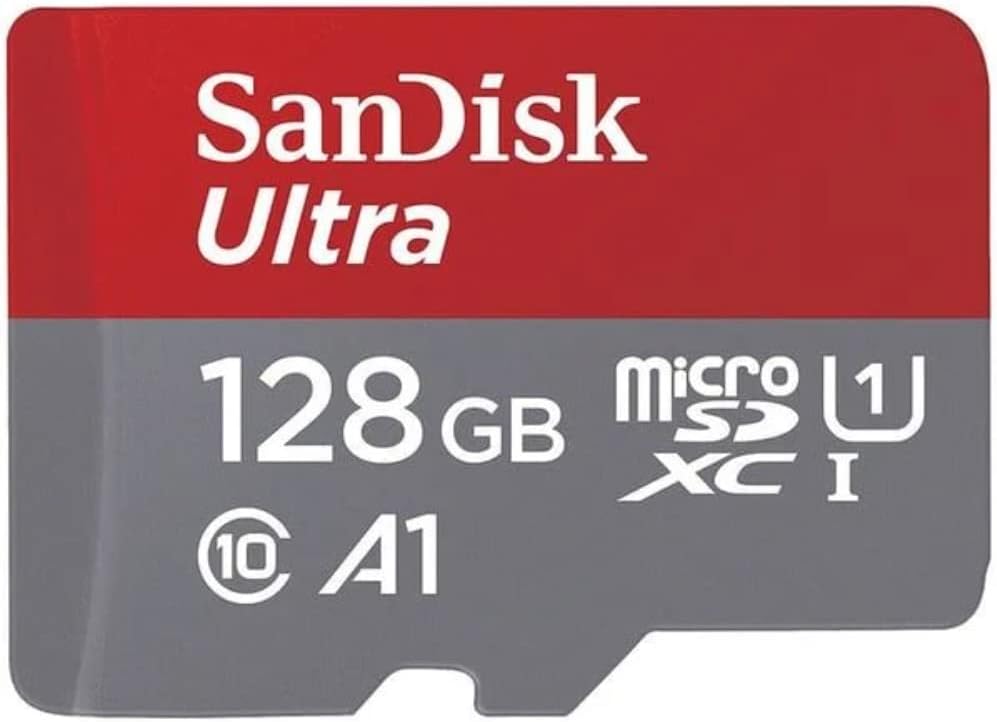
For Amazon Fire tablet owners, this SanDisk microSD card is the most reliable option available. It carries the exclusive Made for Amazon badge ensuring seamless integration without compatibility issues.
We may earn a commission when you buy through this link, at no additional cost to you.
Its Class 10 performance supports Full HD video recording and playback. You can load apps and games directly to the card freeing up internal space for essential system files.
While it is not the fastest option on the market it delivers consistent performance for media consumption. The price is accessible making it a practical upgrade for casual users.
This card is perfect for families using Fire tablets for entertainment. If you own a Fire device and need extra space for photos and videos this is the safest bet.
The card is tested and certified to work specifically with your Fire Tablet and Fire TV without lag.
Users can add space for additional photos music and movies directly to the SD card slot.
We may earn a commission when you buy through this link, at no additional cost to you.
Samsung brings its premium build quality to this sleek USB-C flash drive. With a 4.5-star rating it combines style with rugged durability features like waterproof and magnet-proof construction.
We may earn a commission when you buy through this link, at no additional cost to you.
The drive offers up to 400MB/s read speeds ensuring quick file transfers. Its compact size allows it to fit comfortably in the palm of your hand or attached to a keychain.
While the price is higher than average it is backed by a five-year limited warranty. This makes it a long-term investment for those who need reliable storage across different environments.
Ideal for professionals who want a high-quality drive that can withstand daily wear and tear. The modern design and reliable performance make it a standout choice for tablet users.
Files stay secure with a waterproof shock-proof magnet-proof and temperature-proof body design.
It transfers 4GB files in just 11 seconds with up to 400MB/s read speeds.
We may earn a commission when you buy through this link, at no additional cost to you.
This microSDXC card offers excellent versatility for Android tablets and Chromebooks. Its high transfer speeds make it easy to move large batches of photos and videos quickly.
We may earn a commission when you buy through this link, at no additional cost to you.
The A1 rating ensures apps load faster when stored directly on the card. You can also use the SanDisk Memory Zone app to manage files in one location effortlessly.
Backed by a ten-year limited warranty this card is built for long-term use. It is a reliable choice for those who want expandable storage without compromising on speed.
Best suited for users with Android devices who need robust card performance. It balances speed and capacity well for everyday storage expansion tasks.
Load apps faster with A1-rated performance on supported devices and apps.
View access and back up your phone files in one location with the Memory Zone app.
We may earn a commission when you buy through this link, at no additional cost to you.
This 2-in-1 flash drive is designed for maximum convenience across multiple devices. It features both Type-C and USB-A plugs allowing seamless transfers between tablets and computers.
We may earn a commission when you buy through this link, at no additional cost to you.
The USB 3.0 technology enables fast data transfers up to 130MB/s. You can easily backup high-res photos and videos without waiting around for files to move.
Its compact size fits into pockets effortlessly making it easy to carry. The durable design includes a cap to protect connectors from dust and damage during storage.
This drive is perfect for users who need to share files between different types of devices. It offers a cost-effective solution for portable storage needs.
It supports Windows Android Linux and Mac OS with plug and play functionality.
Optimizing USB 3.0 technology this drive transfers files 10X faster than USB 2.0.
We may earn a commission when you buy through this link, at no additional cost to you.
SanDisk Go series drives are known for their portability and ease of use. This model features a reversible USB Type-C connector and a traditional Type-A plug for versatility.
We may earn a commission when you buy through this link, at no additional cost to you.
It offers high performance USB 3.1 speeds ensuring smooth file transfers between tablets and laptops. The included app allows automatic photo backups to free up space on your phone.
The design is sleek and small enough to attach to a keychain. It is an excellent choice for users who need quick access to files on the go.
Ideal for travelers or students who switch between multiple devices daily. The combination of speed and convenience makes it a strong contender in its price range.
Automatically back up photos with SanDisk Memory Zone app for easy storage management.
Seamlessly move content between your USB Type-C smartphone and USB Type-A computers.
We may earn a commission when you buy through this link, at no additional cost to you.
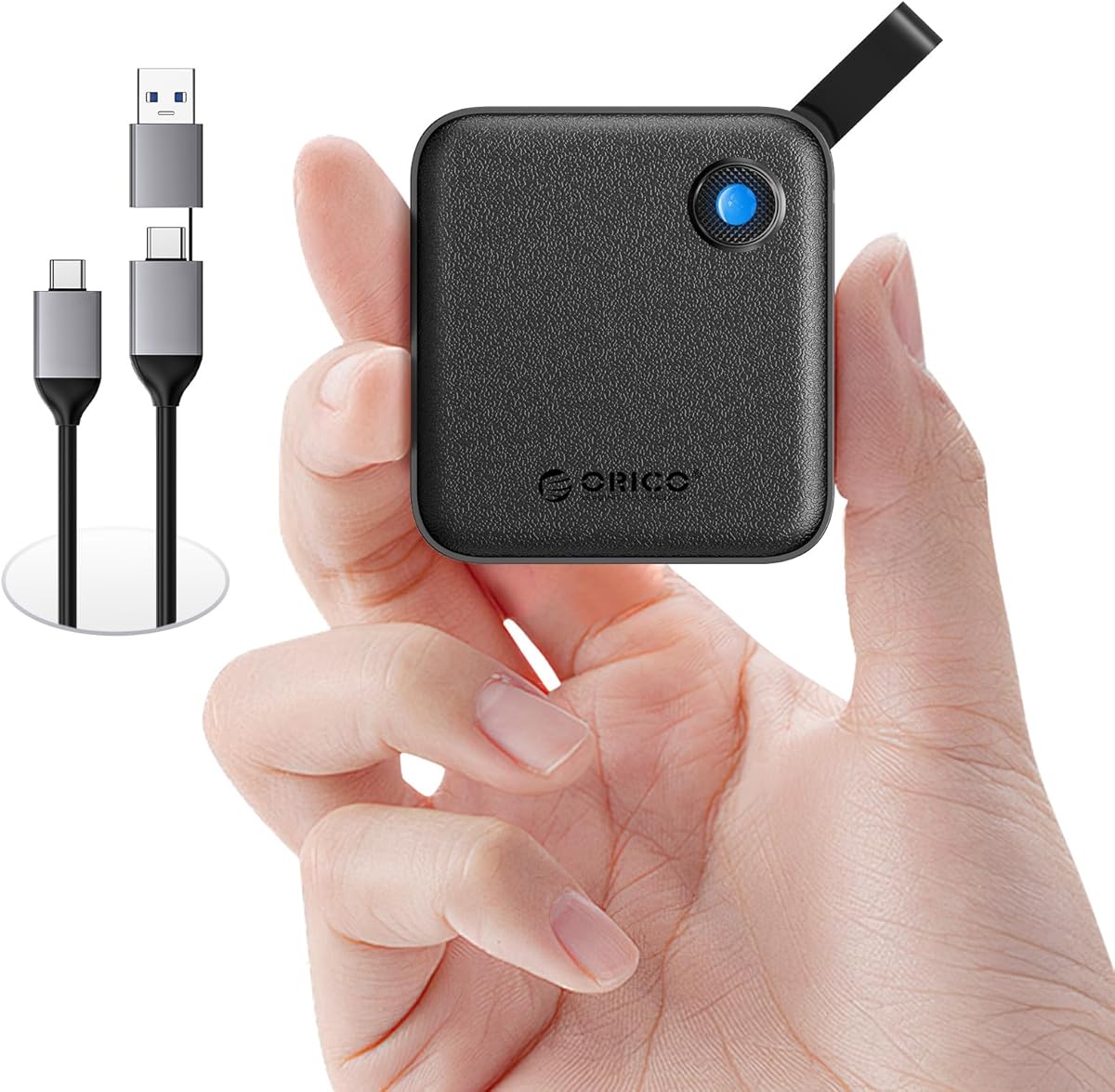
This ORICO SSD provides a cost-effective way to get SSD speeds on your tablet. It offers impressive speeds up to 460MB/s ensuring you spend less time waiting for transfers.
We may earn a commission when you buy through this link, at no additional cost to you.
The drive is incredibly portable weighing only 0.9 lb with small dimensions. It comes with a 2 in 1 cable making it ready to use with both USB-C and USB-A ports.
While it does not have rugged durability features it performs well for general tasks. The design is sleek with vibrant colors available to match your personal taste.
Best for users who want SSD performance without the high cost of premium brands. It is a reliable backup option for photographers and video editors.
Instantly share photos and videos with impressive speeds of up to 460MB/s.
Take portable SSD with you wherever you go with its compact lightweight design.
We may earn a commission when you buy through this link, at no additional cost to you.
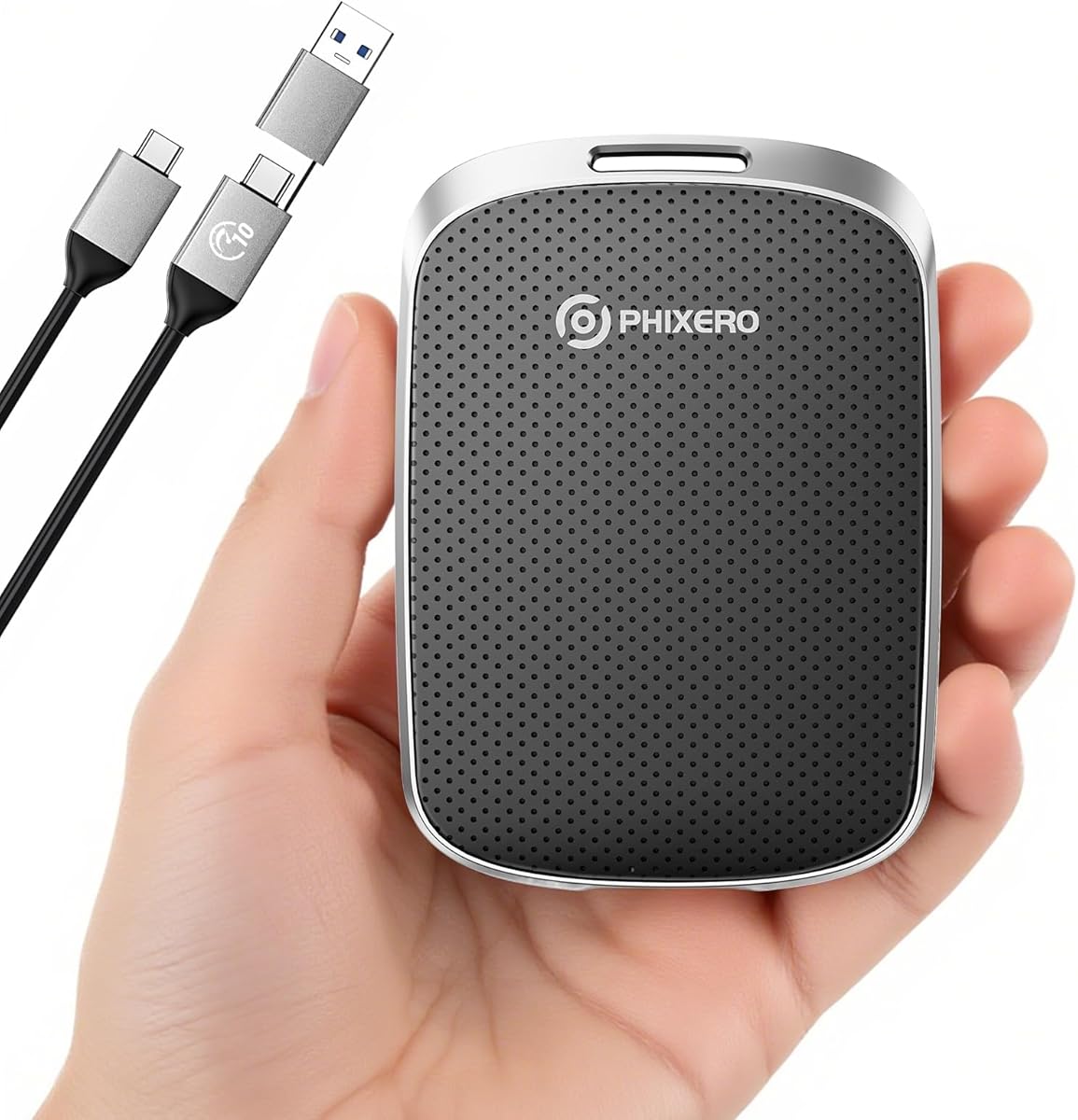
PHIXERO delivers impressive speed with this portable SSD featuring read speeds up to 550MB/s. The anti-drop and anti-vibration aluminum frame ensures it can withstand daily bumps and drops.
We may earn a commission when you buy through this link, at no additional cost to you.
It supports seamless cross-device use allowing you to control content on smartphones and PCs effortlessly. The drive works with Windows Mac OS Linux and Android systems for broad compatibility.
A 3-year warranty provides peace of mind for long-term users. The hanging loop design lets you secure it to a belt loop or backpack for easy access.
This drive is a strong choice for users who need robust performance and speed. Its durability and speed make it suitable for demanding creative workflows.
Supports continuous read speed of 550MB/s and write speed of 500MB/s.
Compatible with Windows Mac OS Linux Android and all devices with USB C and A ports.
We may earn a commission when you buy through this link, at no additional cost to you.
This flash drive is designed for direct plug and play without software installation. It supports the OTG function allowing you to access files on smartphones and tablets easily.
We may earn a commission when you buy through this link, at no additional cost to you.
High-speed USB 3.0 technology enables fast data transfers compared to older standards. The drive is recognized by laptops car audio systems and smart TVs for versatile usage.
Its compact form includes a keychain to prevent loss. While setup may require formatting checks it is a reliable solution for simple storage needs.
Ideal for users needing a backup drive for car audio or smart TV. It provides a straightforward way to store and play media files.
Supports nearly all mobile phones which support OTG function and very easy to operate.
USB 3.0 chip helps you transfer a 4G movie in about 40 seconds.
We may earn a commission when you buy through this link, at no additional cost to you.
This drive offers a high capacity 256GB for large file storage and backups. Its retractable design protects the connectors ensuring the drive lasts longer during daily use.
We may earn a commission when you buy through this link, at no additional cost to you.
It provides high speed USB 3.1 performance allowing quick file movement between smartphones and computers. You can easily free up space on your Android smartphone by moving media to the drive.
The traditional USB connector adds flexibility for older laptops and desktops. It is a versatile tool for users who need reliable storage across both mobile and desktop platforms.
Best for Android users looking for a durable and high-capacity transfer tool. Its retractable design makes it ideal for keeping in a pocket or bag safely.
Easily transfer files between smartphones tablets and computers with ease.
Free up space on your Android smartphone by moving media files to the drive.
We may earn a commission when you buy through this link, at no additional cost to you.
Selecting the right storage solution involves understanding your specific needs regarding capacity, speed, and connectivity options.
Capacity determines how much data you can store directly on the external drive. For users with large photo libraries or 4K video projects higher capacities like 1TB are essential.
Assess your current usage and estimate future needs to choose a drive that will not fill up too quickly.
Transfer speeds are crucial for large file operations and professional media editing. Faster speeds ensure that moving large datasets does not become a bottleneck in your workflow.
Look for drives with high read and write ratings to minimize waiting times during data transfers.
Connectivity determines which devices your storage device can connect to. USB-C is standard for modern tablets but having USB-A compatibility ensures broader device support.
Dual connector drives offer the most versatility for users who switch between tablets and traditional laptops.
Durability is key if you plan to use the drive in various environments. Look for shock proof waterproof or ruggedized cases if you often work on the go.
A sturdy build protects your valuable data from accidental drops or environmental hazards.
Prices vary significantly between microSD cards USB flash drives and external SSDs. Determine your budget while considering the performance benefits of premium options.
Investing in a slightly more expensive drive might offer better longevity and speed in the long run.
Not all drives work with every tablet model. Check manufacturer specifications to ensure the drive is supported by your specific operating system and hardware.
Certified drives often guarantee seamless integration without requiring extra adapters or software.
A good warranty provides peace of mind against hardware failures. Reputable brands often offer warranties ranging from one to five years depending on the product type.
Prioritize brands with a track record of reliable customer service for any potential issues.
The physical size of the drive impacts how easily you can carry it. Compact and lightweight designs are preferable for travelers and field workers.
Ensure the form factor fits comfortably in your bag or pocket for daily carrying.
To get started plug the drive into your tablet port securely ensuring the connector aligns correctly with the slot. If using an adapter ensure it is firmly attached to avoid connection drops.
Always eject the drive safely through the system settings before unplugging it to prevent data corruption. This step ensures all file operations are completed before the connection is severed.
Store the drive in a cool dry place away from direct sunlight and moisture. Keeping it in a protective case when not in use will extend its lifespan and protect the connectors.
Most modern tablets with USB-C ports support external storage but you may need an OTG adapter. Check your device specifications for USB host support before purchasing.
Portable SSDs are best for 4K video editing due to their high read and write speeds. They handle large file transfers more efficiently than microSD cards or standard flash drives.
You can use a standard USB drive if your tablet has a compatible port or if you use an OTG adapter. USB-C tablets generally require a USB-C drive or a dual connector drive.
Files can be managed using the built-in file manager on your tablet. You can copy paste and delete files directly from the external storage interface on your device.
Common reasons include incorrect formatting unsupported file systems or a loose connection. Try reinserting the drive or formatting it to a compatible file system like exFAT.
It is generally safe to leave storage connected but you should avoid bending the connector excessively. For long-term storage removal may reduce wear on the port.
We have reviewed ten top options ranging from budget-friendly microSD cards to high-performance portable SSDs. Each product offers unique strengths catering to different user needs and budget levels.
Prioritize speed and durability if you work with large media files regularly. For casual storage expansion a compact USB drive or microSD card might suffice.
Remember to verify current availability and compatibility details before finalizing your purchase. Choosing the right storage ensures your tablet remains versatile and ready for any task.