
External Module with OLED and Wi-Fi
4.6Editor score
Integrated OLED display
Wi-Fi and GPS built-in
Includes hard carry case
Explore the top Flipper Zero accessories including Wi-Fi boards, cases, and antennas to maximize your device potential and security testing capabilities.
Flipper Zero accessories transform your compact device into a versatile tool for security testing and development. Choosing the right add-ons ensures compatibility and enhances functionality without compromising the original design.
We compared ten highly rated products based on build quality, feature set, and user feedback. Each item was evaluated for ease of use and value to help you find the perfect match for your needs.
Our selections highlight key benefits and potential limitations for every product listed. Prices fluctuate regularly so verify current costs before purchasing to ensure you get the best deal available.
4.6Editor score

4.2Editor score

4.7Editor score
This table provides a side-by-side view of all ten selected accessories highlighting their core specifications and compatibility features for quick reference.

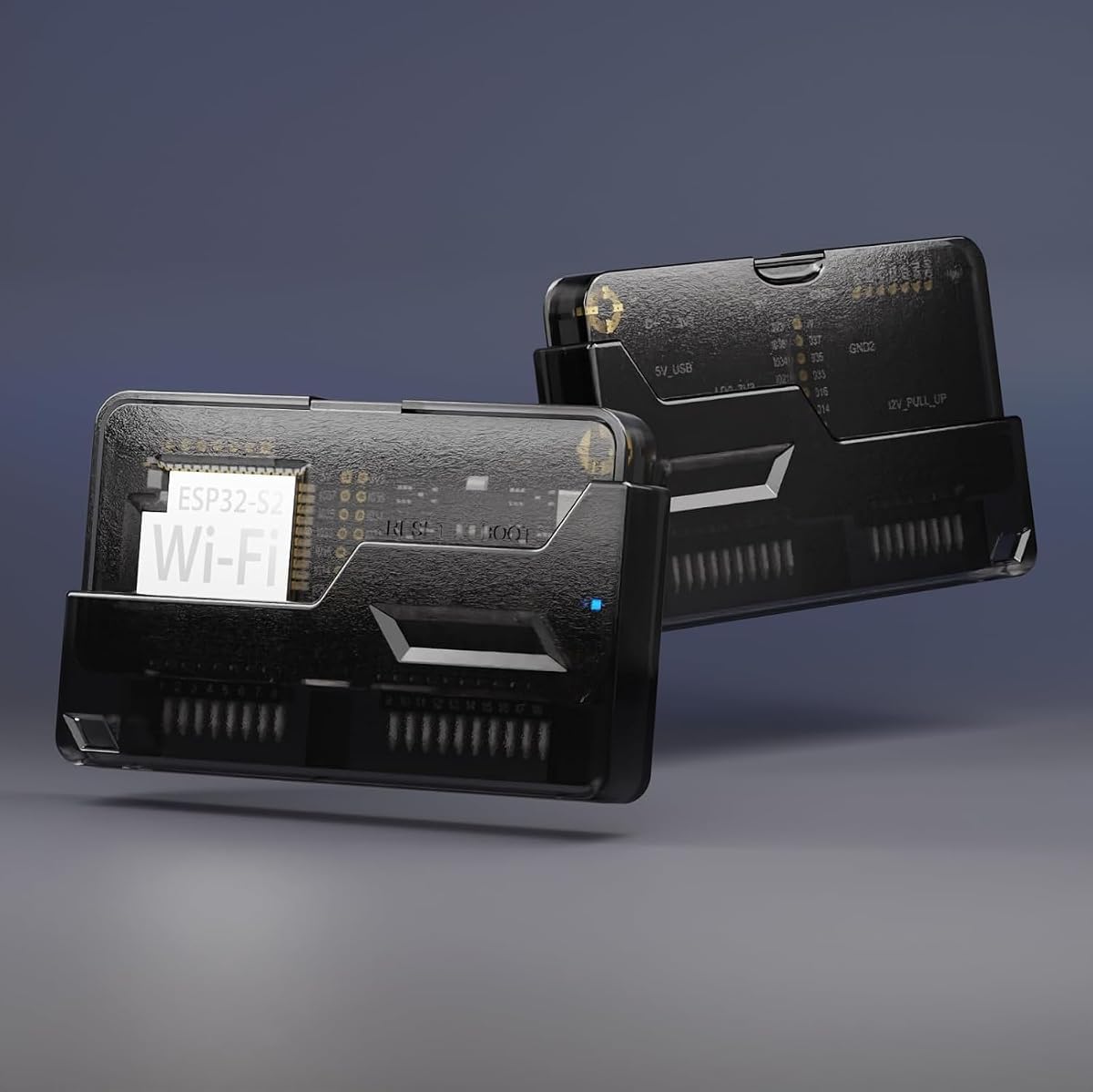




This all-in-one expansion module stands out as the most complete accessory for power users. It integrates an OLED display, Wi-Fi, 433MHz RF, and GPS into a single unit that connects via USB-C.
We may earn a commission when you buy through this link, at no additional cost to you.
The inclusion of a hard carry case and soft pouch ensures your device and module stay protected during transport. The OLED screen provides immediate visual feedback without needing to check the main device screen.
While it is more expensive than standalone add-ons the value comes from consolidating multiple functions into one board. The need for external power might be a minor inconvenience for short field tests.
Advanced tinkerers and security researchers will appreciate this bundle. It is ideal for those who want maximum functionality without managing multiple loose cables or separate development boards.
The integrated OLED display allows you to monitor real-time data and status updates directly on the module.
The kit includes a hard case and soft pouch making it easy to carry your gear safely to any location.
We may earn a commission when you buy through this link, at no additional cost to you.
This kit offers a straightforward path to adding Wi-Fi capabilities while protecting your device simultaneously. It includes the ESP32 WiFi dev board along with a silicone case and screen protectors.
We may earn a commission when you buy through this link, at no additional cost to you.
The precise snap-fit design ensures the board attaches securely without needing tools or screws. The silicone cover protects the iButton area which is often overlooked in other cases.
Assembly is simple but it does require a few minutes to connect parts correctly. The protection is adequate for daily use but may not withstand heavy impacts as well as a hard shell.
Ideal for beginners who want wireless functionality and protection in one package. You get everything needed to start wireless projects without buying separate cases or screen guards.
The ESP32 board adds Wi-Fi support enabling remote interactions and advanced connectivity experiments.
A silicone cover and multiple screen protectors are included to keep your device looking new longer.
We may earn a commission when you buy through this link, at no additional cost to you.
This soft silicone cover is a cost-effective way to keep your device safe from daily wear and tear. It wraps around the device completely and includes a metal carabiner for easy carrying.
We may earn a commission when you buy through this link, at no additional cost to you.
The thickness of the silicone provides reliable shock absorption against minor drops. Precise cutouts ensure you can access all buttons and ports without removing the case.
While it protects against scratches and small impacts it is not designed for heavy-duty drops. The carabiner is a practical addition that helps prevent loss when clipping to a belt or bag.
Perfect for users who need basic protection and portability on a budget. It is a straightforward upgrade that adds durability without adding bulk or complexity.
The included metal carabiner allows you to clip the device to your bag or belt for hands-free transport.
The silicone material acts as a shield against dust and scratches ensuring your device remains pristine.
We may earn a commission when you buy through this link, at no additional cost to you.
This set provides a comprehensive range of protection and storage options in one purchase. It includes a silicone case, screen protectors, and an EVA carrying case for safe transport.
We may earn a commission when you buy through this link, at no additional cost to you.
The silicone case is designed to work seamlessly with video game modules and other add-ons. An EVA case helps you organize your device and accessories when not in use.
The hand strap and carabiner add extra utility for securing the device to your hand or bag. However the EVA case may take up more space in a pocket compared to a pouch.
Great for users who want a full kit including storage. It is practical for those who travel often or need to store their device safely between sessions.
The EVA carrying case provides a secure spot to keep your device and accessories organized and safe.
The case design ensures smooth operation even when you attach additional modules to the device.
We may earn a commission when you buy through this link, at no additional cost to you.
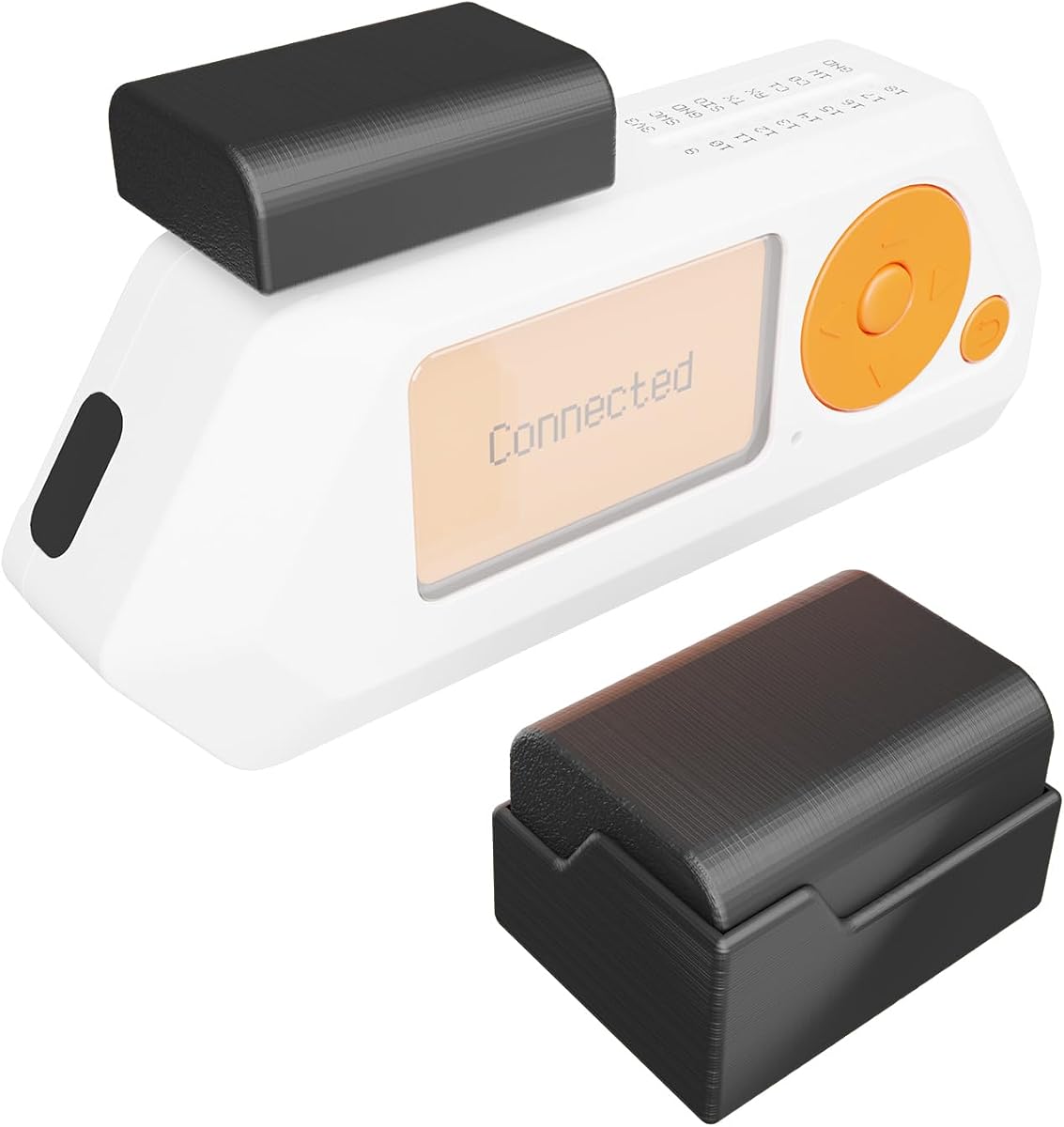
This antenna attachment is designed to boost your SubGHz signal strength for long-range communication tasks. It connects via GPIO pins and includes a stand to protect the device.
We may earn a commission when you buy through this link, at no additional cost to you.
The extended transmission range tested up to 2000 feet is a major plus for remote applications. The 12dB omni antenna ensures consistent signal coverage in various directions.
The build quality is decent with a 3D printed stand that helps protect pins. However the rating suggests some users may find setup or compatibility slightly challenging compared to other options.
Best for enthusiasts who need to reach further distances with their radio signals. It is a specialized tool that adds real range to your standard device capabilities.
The antenna supports transmission tests over 2000 feet which is excellent for remote control applications.
A portable stand is included to protect the pins and provide better grip during operation.
We may earn a commission when you buy through this link, at no additional cost to you.
This version offers a more compact and hidden antenna design for users who prefer a streamlined look. It includes a soft silicone case and EVA carrying case alongside the antenna module.
We may earn a commission when you buy through this link, at no additional cost to you.
While the range is tested at 450+ feet it is more than enough for many everyday tasks. The hidden design keeps the profile low which some users prefer for portability.
The package includes a silicone case which adds value. However the range is shorter than the external antenna option so choose based on your distance needs.
Ideal for users who want some extra range without a large antenna. It balances stealth and functionality effectively for casual or semi-advanced use cases.
The hidden antenna design keeps your device compact and unobtrusive while still offering wireless capabilities.
A soft silicone case and EVA bag are included to keep your device and module safe during travel.
We may earn a commission when you buy through this link, at no additional cost to you.
Protecting your screen is crucial for daily use and this pack provides high-hardness protection at an affordable price. The 9H tempered glass resists scratches and scuffs effectively.
We may earn a commission when you buy through this link, at no additional cost to you.
The glass is only 0.33mm thick so it maintains the original sharpness of the display. It includes cleaning accessories to ensure a bubble-free and residue-free installation.
Having three protectors in one pack is convenient for backups or replacements. The oleophobic coating helps keep fingerprints at bay which keeps the screen clean and readable.
This is a must-have for any Flipper Zero owner. It preserves the display quality and adds a layer of security against daily wear without costing much.
The ultra-thin design preserves the high contrast and sharpness of the original screen perfectly.
Three protectors ensure you have spares on hand so you never go without screen protection.
We may earn a commission when you buy through this link, at no additional cost to you.
This module unlocks location tracking capabilities by supporting GPS, BeiDou, GLONASS, and QZSS systems. It includes an active antenna and a low-noise amplifier for better reception sensitivity.
We may earn a commission when you buy through this link, at no additional cost to you.
The plug-and-play design simplifies installation for developers. It supports NMEA and CASIC protocols which makes it versatile for different data logging projects.
The built-in LNA enhances noise reduction and improves signal quality in difficult environments. You will need to ensure your firmware supports GNSS functionality for it to work correctly.
Perfect for projects requiring geolocation data such as mapping or tracking. It adds a specialized capability that standard devices do not have out of the box.
Compatibility with multiple satellite systems ensures accurate positioning almost anywhere in the world.
A built-in low-noise amplifier boosts sensitivity so you get stable signals even in challenging areas.
We may earn a commission when you buy through this link, at no additional cost to you.
This case offers a unique transparent design that lets you show off the internal features of your device. It aims to provide a premium look compared to standard colored cases.
We may earn a commission when you buy through this link, at no additional cost to you.
The fit is designed to close up like the original case without looking like a cheap 3D printed version. It is easy to snap into place and gives the device a modified appearance.
While the concept is appealing the lower rating suggests some fit or quality issues. The transparency helps it stand out but does not offer as much impact protection as thick silicone.
Good for users who want a cool customized look for their device. It is more about style than heavy-duty protection but adds a unique visual flair.
The transparent design makes your device look unique and shows off internal details effectively.
The case is designed to fit and close up like the original case maintaining the familiar feel.
We may earn a commission when you buy through this link, at no additional cost to you.
This single unit offers a Wi-Fi development board with a matching translucent case at a competitive price point. It is designed for those who want wireless capabilities without extra bulk.
We may earn a commission when you buy through this link, at no additional cost to you.
The case set snaps together easily and supports alternative ESP32 firmware projects. The translucent finish gives it a sleek look while protecting the board from dust.
You can access GPIO pins to connect additional modules which makes it flexible for custom builds. Since it lacks extra accessories like straps or pouches you may need to buy those separately.
A strong choice for focused Wi-Fi development tasks. It balances cost and features well for users who just want the board and basic protection.
The translucent black design offers a modern look that stands out from standard opaque cases.
Supports alternative firmware and allows GPIO access for extensive custom experimentation.
We may earn a commission when you buy through this link, at no additional cost to you.
Selecting the right accessories depends on your specific use case and budget. This guide outlines key factors to consider when expanding your device setup.
Always verify that the accessory explicitly states compatibility with your specific Flipper Zero model. Some boards require specific pinouts or firmware versions to function correctly with the device.
Check the product details for GPIO requirements to avoid buying items that will not connect physically.
Decide whether you need wireless connectivity location tracking or just physical protection. Wi-Fi boards and GNSS modules add specific capabilities while cases focus on keeping the device safe.
Choose an accessory that aligns with your projects so you do not spend money on features you will not use.
Silicone cases offer flexibility and grip while hard shells provide structural rigidity. For heavy use or travel a hard carrying case might be better than a simple soft cover.
Consider combining a soft inner case with a hard outer bag for maximum protection during transport.
Some accessories like screen protectors and slip-on cases require no tools. Development boards might need you to open the device or use cables which increases the risk of error.
Look for plug-and-play designs if you are not comfortable with hardware assembly or soldering.
Accessories range from inexpensive screen protectors to expensive development kits. Bundles often offer better value than buying parts individually so check if a set includes what you need.
Determine your budget beforehand to avoid overspending on features that are not essential for your workflow.
Materials matter for longevity. High-quality silicone resists tearing better than cheap plastics and reinforced cases prevent cracking over time.
Read customer feedback to see if the product feels durable or if it tends to break after a few uses.
Some users prefer a clean look while others want a modified appearance. Transparent or colored cases allow you to customize the device look without affecting functionality.
Choose a design that matches your personal style to keep your device looking the way you want it.
For development boards ensure your firmware supports external modules. Some features require custom firmware or specific settings to work properly with the main device.
Check the manufacturer documentation to see if you need to update your device before using the accessory.
Install protective accessories first by powering off your device and gently removing the outer casing if needed. Ensure all buttons are accessible and the case fits snugly before reattaching it.
For development boards connect them via USB or GPIO pins following the manufacturer instructions. Verify firmware settings before testing to ensure communication between the device and the module is successful.
Regularly clean your accessories with a soft dry cloth to prevent dust buildup. Store them in a dry place when not in use to maintain their shape and structural integrity over time.
Many simple cases and screen protectors work without any changes to your device. However Wi-Fi boards and GNSS modules often need specific firmware updates to recognize and communicate with the external hardware properly.
Most accessories are designed for standard models but always verify compatibility before purchasing. Some older revisions might have different pin layouts which could prevent boards from connecting correctly.
Check if the case description explicitly mentions compatibility with external modules. Some covers are designed to accommodate added boards while others are strictly for the bare device.
It depends on the physical space available. You can often use a case and a board together but adding multiple boards might exceed the device limits or interfere with each other.
Use a hard carrying case to keep everything organized and safe. This prevents loose modules or cables from getting lost and protects the device from impact during travel.
Most modern development boards use plug-and-play designs or snap-in mechanisms that do not require screws. However you should have basic tools on hand just in case assembly requires minor adjustments.
Inspect your screen protector regularly for scratches or air bubbles. If it becomes difficult to see or starts peeling it is time to replace it with a new one from your spare pack.
Reputable modules are designed to work within safe voltage limits. Always ensure you are using certified accessories to avoid overloading the battery or causing unintended damage to the main system.
We have reviewed ten top accessories ranging from protective cases to advanced development modules. Each product offers unique benefits depending on whether you need protection or connectivity features.
Prioritize items that match your daily usage. If you travel often invest in a hard case. If you develop custom tools a Wi-Fi board might be more valuable.
Always check current prices and availability before making a final decision. Accessories can go on sale or sell out so staying flexible helps you get the best value at the right time.