
Roku 55-Inch Select Series Smart TV 2026-4K (2160p) QLED TV
4.4Editor score
4K QLED Picture
Simple Roku Interface
Affordable Value
Choosing the right display for next-gen consoles requires careful consideration of refresh rates, input lag, and HDR performance to ensure smooth and immersive gameplay experiences.
We evaluated ten leading models based on panel technology, connectivity options, and smart features to help you find the perfect match for your PS5 or Xbox Series X setup.
Each selection highlights unique strengths and trade-offs so you can make an informed decision while keeping in mind that availability and pricing may vary over time.
4.4Editor score

4.3Editor score

4.1Editor score
As an Amazon Associate we earn from qualifying purchases.
This side-by-side comparison highlights the key specifications and unique selling points of each model to help you quickly identify the best fit for your gaming needs.




The Hisense U6 Pro stands out as a top contender for PS5 and Xbox users seeking high refresh rates without breaking the bank. Its native 144Hz panel ensures fluid motion in competitive shooters and racing games.
We may earn a commission when you buy through this link, at no additional cost to you.
MiniLED backlighting provides deep blacks and bright highlights essential for HDR gaming. The anti-reflection coating makes it suitable for bright living rooms where glare usually distracts from gameplay.
While the Fire TV interface is functional, it occasionally feels slower than Google TV alternatives. However, the visual performance compensates for minor software friction during daily streaming use.
This model is ideal for gamers prioritizing picture quality and response times on a budget. It delivers a premium experience that rivals more expensive units in real-world testing.
Native 144Hz ensures smooth gameplay with compatible titles reducing motion blur effectively.
Precise local dimming zones enhance shadow detail and highlight brightness for immersive scenes.
We may earn a commission when you buy through this link, at no additional cost to you.
The TCL T7 offers a compelling entry into high-refresh gaming TVs with its QLED panel and Google TV integration. It supports 120Hz for console gaming which is vital for next-gen performance.
We may earn a commission when you buy through this link, at no additional cost to you.
Its AIPQ Pro processor optimizes color and contrast effectively across different content types. The built-in Chromecast and AirPlay2 features make it versatile for smart home entertainment.
While HDR performance is good it does not match the brightness of premium MiniLED models. Gamers in bright rooms might notice some limitations during high dynamic range sequences.
This TV suits casual gamers who value smart features and color accuracy over absolute peak brightness. It provides a balanced experience for both gaming and streaming needs.
Seamless access to streaming apps and voice control enhances user convenience significantly.
MEMC frame insertion reduces motion blur for smoother viewing of fast-paced content.
We may earn a commission when you buy through this link, at no additional cost to you.
The iFFALCON U85 provides four HDMI 2.1 ports which is rare at this price point allowing multiple next-gen devices to connect simultaneously. It supports VRR up to 240Hz for smooth gaming.
We may earn a commission when you buy through this link, at no additional cost to you.
With 1000 nits of peak brightness it handles HDR gaming well even in bright environments. The MiniLED technology ensures deep blacks and detailed highlights throughout your gameplay.
It also includes hotel mode features which might be useful for commercial setups or shared spaces. However, brand support might not match established giants in terms of firmware longevity.
For users needing multiple console connections without dongles this TV is a strong candidate. It bridges the gap between budget pricing and high-end connectivity specifications.
Four HDMI 2.1 ports eliminate the need for external switches in multi-device setups.
Up to 240Hz VRR ensures compatible games run smoothly without screen tearing issues.
We may earn a commission when you buy through this link, at no additional cost to you.
Sony continues to lead with exclusive PS5 features like Auto HDR Tone Mapping and Auto Genre Picture Mode that optimize visuals automatically. The XR Processor delivers exceptional upscaling and clarity.
We may earn a commission when you buy through this link, at no additional cost to you.
Its design is sleek with minimal bezels making it a stylish addition to any living room. X-Balanced Speakers provide deeper bass and improved resolution without an external soundbar.
While it lacks MiniLED technology the processing power ensures a cinematic experience that rivals more expensive displays. The integration with Google TV and Gemini adds smart convenience.
Gamers seeking the most seamless PlayStation experience should consider this model despite the premium cost. It balances performance, design, and smart features effectively.
Auto HDR tone mapping and genre mode optimize visuals without manual configuration.
X-Balanced Speakers deliver cinematic sound that enhances immersive gaming moments.
We may earn a commission when you buy through this link, at no additional cost to you.
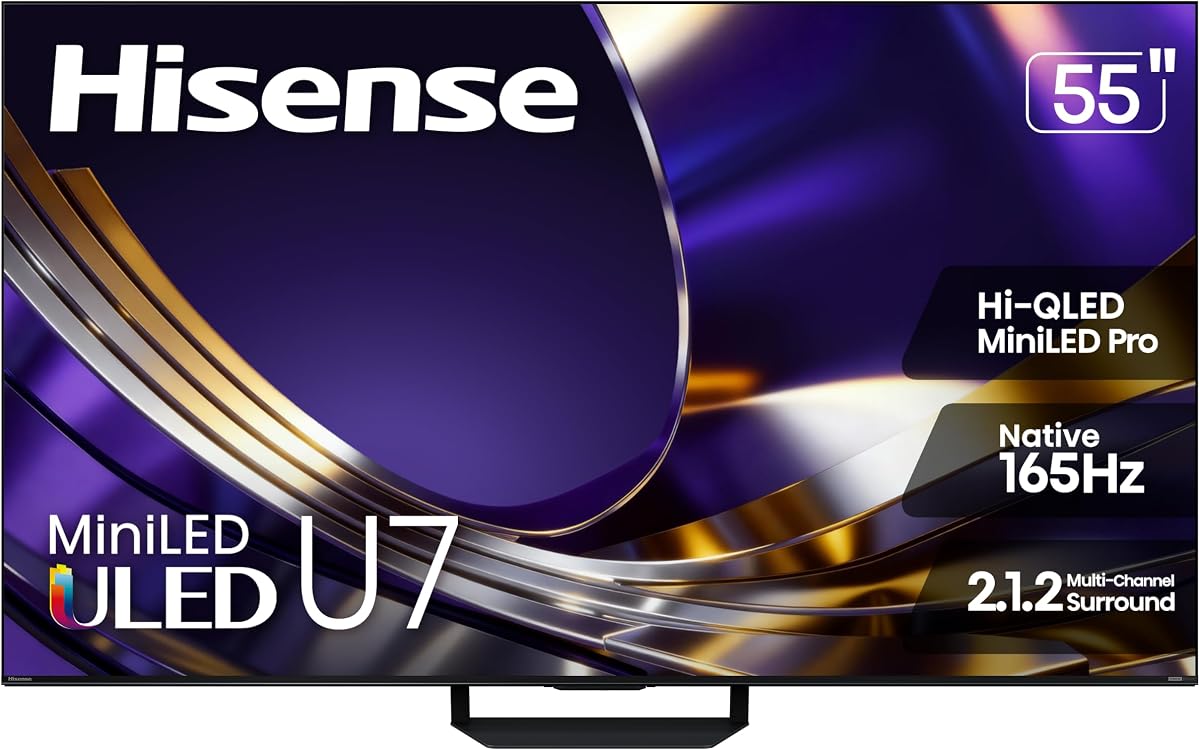
The Hisense U7 pushes performance boundaries with a native 165Hz refresh rate and up to 3000 nits of brightness. This makes it ideal for high-speed games and bright living rooms.
We may earn a commission when you buy through this link, at no additional cost to you.
Its AI Engine Pro continuously adjusts picture settings for optimal viewing. The dual-layer anti-reflection treatment ensures clarity even with sunlight or overhead lights nearby.
Sound quality is robust with a 2.1.2 channel setup providing immersive audio. However, the interface can be dense with options requiring time to navigate effectively.
This model is perfect for enthusiasts who demand top-tier speed and brightness. It delivers a premium gaming environment that minimizes compromises.
165Hz native refresh supports smooth motion and reduces blur during fast action.
3000 nits peak brightness delivers impactful HDR highlights in dark and bright scenes.
We may earn a commission when you buy through this link, at no additional cost to you.
The Roku Select Series offers a budget-friendly entry point into 4K QLED gaming displays. It provides a simple and intuitive user experience that appeals to casual gamers.
We may earn a commission when you buy through this link, at no additional cost to you.
Its Roku platform is renowned for speed and ease of use with voice remote support. Bluetooth headphone mode allows for private listening without disturbing others.
While it may not support the highest refresh rates or HDMI 2.1 features fully it still handles standard gaming needs well. It balances cost and performance effectively.
This TV is ideal for gamers who prioritize smart features and value over extreme motion specs. It delivers a clean and reliable experience for everyday entertainment.
Roku OS offers quick app launches and a clutter-free home screen layout.
Bluetooth headphone mode allows private gaming audio without waking others.
We may earn a commission when you buy through this link, at no additional cost to you.
The TCL QM6K provides a massive 65-inch screen with QD-Mini LED technology for vibrant colors and deep blacks. It supports refresh rates up to 144Hz for smooth motion.
We may earn a commission when you buy through this link, at no additional cost to you.
Its Halo Control System eliminates blooming ensuring dark scenes remain crisp. The Onkyo audio system delivers high-quality sound that complements the large visual canvas.
While the size is great for immersion it may not fit smaller spaces. Power consumption is higher than smaller models but justified by the screen size.
This model suits those who want a cinematic setup without paying OLED prices. It combines size, brightness, and sound quality effectively.
A 65-inch display provides an immersive field of view for competitive gaming.
Onkyo audio and Dolby Atmos deliver impactful sound without extra hardware.
We may earn a commission when you buy through this link, at no additional cost to you.
Samsung's M70H Series brings MiniLED technology to a more accessible price point. It features a powerful processor for upscaling and motion clarity essential for dynamic gaming.
We may earn a commission when you buy through this link, at no additional cost to you.
Gaming Hub support allows cloud gaming without a console making it versatile for various setups. The Motion Xcelerator technology ensures sharp fast-paced content.
While viewing angles are narrow typical of VA panels the brightness and contrast are strong. It offers a balanced mix of premium tech and affordability.
This TV is great for gamers who want Samsung quality without the flagship cost. It delivers a rich visual experience with modern smart features.
Cloud gaming access allows playing favorite titles without dedicated hardware.
Motion Xcelerator reduces blur for crisp fast action in games and sports.
We may earn a commission when you buy through this link, at no additional cost to you.
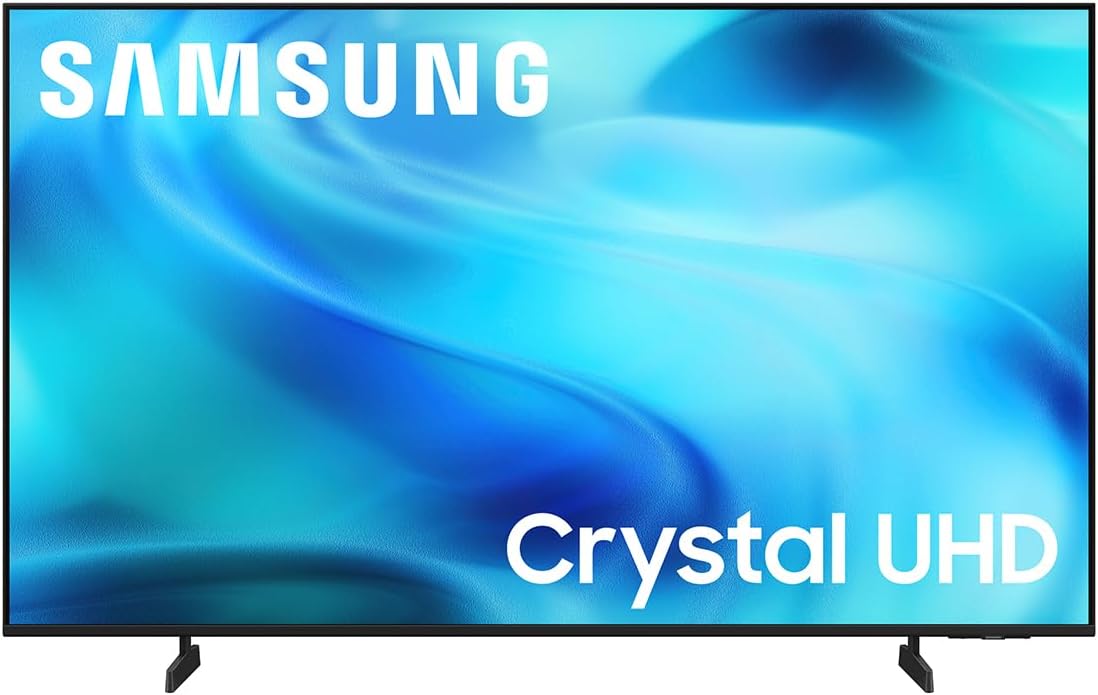
The Samsung U8000H offers a budget-friendly Crystal UHD display suitable for smaller rooms. It provides solid 4K upscaling and motion handling for casual gameplay.
We may earn a commission when you buy through this link, at no additional cost to you.
Color Booster enhances visuals ensuring vibrant tones during games and movies. While contrast is lower than MiniLED it still delivers a bright and clear image.
Samsung Smart TV features and seamless integration with other Samsung devices add convenience. It is an excellent choice for entry-level gamers.
This TV provides a reliable platform for basic gaming needs. It balances cost and performance for those prioritizing value.
4K upscaling improves lower resolution content for sharper viewing.
Color Booster enhances vibrancy for engaging visual experiences.
We may earn a commission when you buy through this link, at no additional cost to you.
The Hisense E6 series offers a solid combination of smart features and motion handling. Its AI light sensor adjusts brightness automatically to suit viewing conditions.
We may earn a commission when you buy through this link, at no additional cost to you.
Motion Rate 120 and Game Mode Plus improve responsiveness. Dolby Vision and Atmos provide a cinematic feel suitable for mixed gaming and movie use.
It is a reliable option for those who want good brightness without the complexity of MiniLED. Fire TV integration ensures easy access to streaming services.
This model is perfect for users seeking a balanced TV for gaming and entertainment. It provides consistent performance at a budget-friendly price.
AI light sensor adjusts screen brightness automatically based on ambient light.
Game Mode Plus improves responsiveness for faster reactions in competitive play.
We may earn a commission when you buy through this link, at no additional cost to you.
Selecting a gaming TV involves balancing resolution, refresh rate, and smart features to match your specific console setup and viewing environment.
Look for at least 120Hz refresh rate to ensure smooth motion and quick responses during fast-paced gaming sessions. Lower input lag is critical for competitive play to avoid delay between controller actions and on-screen results.
Prioritize models with native 120Hz or higher refresh rates and low input lag specifications for the best gaming experience.
OLED panels offer perfect blacks and quick response times but may suffer from burn-in. MiniLED and QLED provide higher brightness and better contrast which suits HDR gaming in bright rooms.
Choose based on your room lighting; MiniLED for bright spaces and OLED for dark rooms.
Ensure the TV has HDMI 2.1 ports to support 4K at 120Hz and VRR for compatible consoles like PS5 and Xbox Series X. Having multiple ports avoids the need for external switches.
Confirm at least one full HDMI 2.1 port exists before buying for next-gen connectivity.
Dolby Vision and HDR10+ support enhance contrast and color in games. Look for peak brightness levels above 600 nits for impactful HDR performance.
High peak brightness ensures vivid highlights even in well-lit environments.
Google TV and Roku provide intuitive interfaces and wide app support. Fire TV offers strong integration for Amazon users while Tizen and WebOS serve specific ecosystems.
Choose a platform that matches your streaming habits and preferred services.
An anti-reflection coating is vital for rooms with windows or bright lights. It reduces glare and distractions allowing better focus on the game screen.
Prioritize models with glare-free treatment if you game during the day.
Built-in speakers with Dolby Atmos support can eliminate the need for a soundbar. Good audio enhances immersion without extra cost but external options offer richer sound.
Look for TVs with strong built-in audio if you prefer a simple setup.
Select a screen size that fits your viewing distance. Larger screens enhance immersion but require more space and careful mounting.
Ensure the physical dimensions and weight fit your room layout and stand or wall mount.
Connect your console to an HDMI 2.1 port and enable Game Mode in the TV settings to minimize input lag. Adjust the picture mode to Game or Sport for optimal response and brightness.
Calibrate the TV using presets or manual adjustments to ensure accurate colors and contrast. Turn off unnecessary motion smoothing features that might interfere with gaming performance.
Clean the screen with a microfiber cloth and avoid harsh chemicals. Keep vents clear of dust to maintain performance and extend the lifespan of your display.
A refresh rate of 120Hz or higher is ideal for next-gen consoles to take advantage of 4K at 120Hz gaming. This ensures smooth motion and reduces blur during fast action. Lower refresh rates like 60Hz are acceptable for single-player titles but limit performance in competitive games.
No, only TVs with specific HDMI 2.1 ports support 4K at 120Hz and VRR. Many budget models have HDMI 2.0 which limits refresh rates to 60Hz. Check the ports before buying to ensure full support for next-gen features.
OLED panels offer the fastest response times and perfect blacks but are expensive and can suffer from burn-in. MiniLED and QLED are great for bright rooms due to higher brightness and better contrast. Choose based on your room lighting and budget.
Variable Refresh Rate synchronizes the TV's refresh rate with the console's frame output to prevent screen tearing. This results in smoother gameplay especially in games where frame rates fluctuate. Look for FreeSync or G-Sync compatibility when selecting a TV.
Input lag is the delay between a controller action and the corresponding on-screen response. Low input lag is critical for competitive gaming to ensure timely reactions. Most gaming TVs have a Game Mode that significantly reduces input lag.
Yes, gaming TVs often support Dolby Vision and HDR formats which enhance movie quality. However, some gaming optimizations like motion smoothing may need adjustment for cinematic viewing. A good TV balances gaming performance with high-quality movie playback.
While many gaming TVs have decent built-in speakers, external soundbars provide richer audio and bass. If you prioritize immersive sound, consider a soundbar or audio system. Built-in Dolby Atmos speakers can suffice for casual viewing.
To prevent burn-in on OLED panels, avoid static images like game HUDs for extended periods. Use screen savers and vary content types to reduce risk. Modern OLEDs have protections but careful use extends lifespan.
We highlighted ten standout models offering diverse features from budget-friendly QLEDs to premium MiniLED displays. Each option balances performance, smart features, and value to suit different gaming needs.
When deciding prioritize refresh rates and HDMI 2.1 support for next-gen performance. Also consider your room lighting and preferred smart platform for a seamless experience.
Keep in mind that pricing and availability may change so verify current offers before buying. With the right choice you will enjoy smooth and immersive gameplay for years.