
Epson FastFoto FF-680W
4.5Editor score
1 photo per second speed
Batch scans up to 36 photos
Wireless connectivity included
Finding the right batch photo scanner can transform how you preserve memories. These devices handle multiple images quickly, reducing manual effort significantly. Look for models with fast throughput and reliable auto-feed mechanisms.
We evaluated ten leading scanners based on speed, image quality, and software capabilities. Each product offers unique strengths for different collection sizes and budgets. Our analysis focuses on real-world performance for home and office use.
Each pick highlights key features, pros, and cons to guide your decision. Prices and availability may vary over time, so check current listings. Use this guide to find the perfect fit for your digitization needs.
4.5Editor score

4.5Editor score

4.1Editor score
As an Amazon Associate we earn from qualifying purchases.
This table compares key specifications across all ten top-rated batch photo scanners. Use it to quickly identify models that match your specific speed and quality requirements.




The Plustek ePhoto Z300 stands out as a reliable choice for home users needing quick digitization. With a rating of 4.5 stars, it delivers consistent results for standard photo sizes. Its standout quality is the ability to scan a 4×6 photo in just two seconds.
We may earn a commission when you buy through this link, at no additional cost to you.
This device simplifies organizing memories by supporting various sizes from 3×5 to 8×10 inches. The included software allows you to enhance and restore old faded images with a single click. Auto crop and deskew features ensure every scan looks straight and tidy without manual adjustment.
While it lacks duplex scanning, the speed makes up for this limitation for most collections. You can convert about 1000 photos in one afternoon efficiently. The trade-off is manageable given the price and performance balance offered to families.
This scanner is ideal for parents or grandparents wanting to share memories digitally. It supports Windows and Mac systems seamlessly. We recommend it for anyone prioritizing speed and ease of use over advanced document features.
Scan thousands of photos quickly with 2 seconds per image performance for 4×6 sizes.
Powerful restoration tools fix faded colors and improve contrast automatically with one click.
We may earn a commission when you buy through this link, at no additional cost to you.
The Epson FastFoto FF-680W is a top-tier solution for large collections needing rapid processing. Rated 4.5 stars, it scans at 1 photo per second and batch scans up to 36 photos at once. This efficiency saves hours compared to flatbed scanning.
We may earn a commission when you buy through this link, at no additional cost to you.
Its duplex technology captures both the photo and handwritten notes on the back in a single pass. This feature preserves context often lost during digitization. The wireless setup allows flexible placement near your storage area without cable clutter.
Though expensive, the time saved justifies the cost for serious archivists. The included software offers advanced editing and cloud sharing options. You should consider the size to ensure it fits on your desk comfortably before buying.
Ideal for professionals or families with thousands of photos to digitize. The precise imaging system ensures high-quality output for future generations. We recommend this model for those valuing speed and comprehensive feature sets above all.
Feed up to 36 photos at once and scan them all in seconds with duplex capability.
Connect via Wi-Fi to backup directly to Dropbox or Google Drive without a computer.
We may earn a commission when you buy through this link, at no additional cost to you.
The AMBIR Photo Scanner Bundle offers excellent value for entry-level users. With a 4.1 rating, it handles standard photo sizes quickly and includes essential tools for cleaning fragile prints. It is perfect for small to medium-sized collections.
We may earn a commission when you buy through this link, at no additional cost to you.
Its bundle includes a bellow-based blower and microfiber cloth to protect delicate photos during scanning. You can choose between 300 DPI for viewing or 600 DPI for archiving. The software helps you organize memories with custom albums and tags.
While it lacks the speed of high-end models, it gets the job done efficiently. The simple USB connection means no external power supply is needed. Users should be aware that software updates might be less frequent than major brands.
This scanner fits those on a budget who still want quality results. It supports both Mac and PC without issues. We recommend it for hobbyists starting their digital archive journey without breaking the bank.
Keep your scans clean with the included blower, brush, and microfiber cloth accessories.
Select 300 DPI for daily viewing or 600 DPI for archival quality storage options.
We may earn a commission when you buy through this link, at no additional cost to you.
The ScanSnap iX2500 Photo Edition brings modern technology to photo digitization with a large touchscreen. Rated 4.5 stars, it scans up to 100 photos per minute using specialized carrier sheets. It simplifies organization by automatically naming and sorting files.
We may earn a commission when you buy through this link, at no additional cost to you.
You can set personalized profiles to send scans directly to PCs, Macs, or cloud services. The Wi-Fi 6 connection ensures stable data transfer without relying on USB cables. This makes it versatile for multi-user environments or home offices.
The high cost is balanced by the speed and ease of workflow management. However, you must use the provided carrier sheets for photos which might be inconvenient for mixed batches. Consider your workflow needs before committing to this premium device.
It suits users wanting minimal interaction during scanning tasks. The touchscreen makes operation straightforward for all ages. We recommend it for those who value a streamlined digital workflow and modern connectivity options highly.
Navigate settings and profiles easily with a large responsive touchscreen display.
Connect wirelessly to networks with Wi-Fi 6 for secure and fast data transfers.
We may earn a commission when you buy through this link, at no additional cost to you.
The ScanSnap iX2500 Document Scanner is a robust upgrade from previous models with a 100-sheet feeder. It offers 45 ppm scanning speed, ideal for mixed document and photo needs. The brake roller system prevents jams and protects paper integrity effectively.
We may earn a commission when you buy through this link, at no additional cost to you.
It includes automatic optimizations to sort and name files for easier management. Wi-Fi 6 allows you to scan directly to smart devices without a computer. While not exclusively for photos, it handles standard document sizes well.
You must use specific carrier sheets for delicate photos to avoid damage. This distinction matters if your collection is purely images. The device is a strong contender if you need a versatile all-in-one scanner for home or office.
It fits users seeking efficiency across different media types. The large feeder reduces refilling frequency significantly. We recommend it for those managing both paperwork and memories in one central location.
Hold up to 100 sheets in the automatic feeder for uninterrupted scanning sessions.
Features a brake roller system and multi-feed sensors to prevent paper jams and damage.
We may earn a commission when you buy through this link, at no additional cost to you.
The Epson Perfection V19 II is a compact flatbed scanner offering high resolution at a low cost. It delivers 4800 DPI optical resolution, ideal for enlargements and detailed scans. While slower than feeders, it handles delicate photos safely without feeding mechanisms.
We may earn a commission when you buy through this link, at no additional cost to you.
One-touch scanning reduces steps for quick digitization of single images. The software allows creating editable Word or Excel files using OCR technology. You can store it vertically with the built-in kickstand to save desk space.
It is not a true batch scanner but serves well for small volumes. The USB power design means no extra outlets are needed. Consider this if you prioritize detail and size over speed for occasional scanning tasks.
Ideal for occasional users needing high quality without large investment. The Easy Photo Fix technology brings life to faded colors easily. We recommend it for hobbyists with limited desk space and small collection sizes.
Capture fine details with 4800 DPI optical resolution suitable for photo enlargements.
Store vertically with the built-in kickstand to free up valuable desk space.
We may earn a commission when you buy through this link, at no additional cost to you.
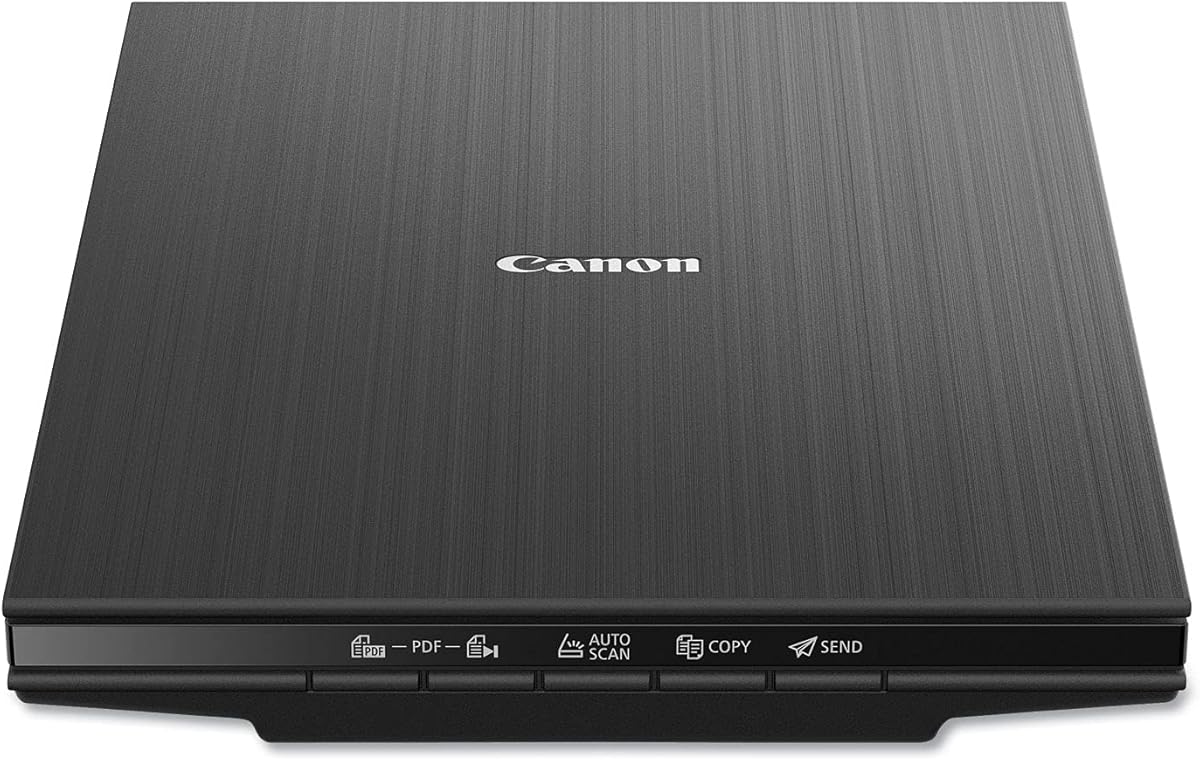
The Canon CanoScan LiDE 400 offers a slim profile that fits almost anywhere. It scans in as fast as 8 seconds with a USB Type-C cable providing both power and data. This simplifies setup and reduces cable clutter on your workspace.
We may earn a commission when you buy through this link, at no additional cost to you.
With 4800 DPI resolution, it preserves detailed photos effectively. The EZ buttons enable quick auto scan detection for documents or photos automatically. You can save multi-page PDFs that are editable and searchable for easy organization.
While not a high-speed batch feeder, it handles standard photo sizes efficiently. The lack of separate power supply is a plus for portability. Users should note that large volumes require manual page handling which takes time.
It is suitable for users prioritizing desk space and simplicity. The auto mode removes guesswork from settings selection. We recommend it for students or professionals needing a compact scanner for varied document types.
Features a sleek 0.4 inch profile that saves significant desk space easily.
Connect via USB Type-C for both power and data with a single cable.
We may earn a commission when you buy through this link, at no additional cost to you.
The HP HPPS100 is designed for users needing to scan on the go. At only a few pounds, it slips easily into a briefcase. It offers 15 ppm speed which is efficient for small to medium batch jobs in various colors.
We may earn a commission when you buy through this link, at no additional cost to you.
The included HP WorkScan software allows easy preview and editing of scans. You can send files directly to PC or Mac computers without extra steps. Its simplex technology ensures premium results in a single pass for documents.
While it does not duplex scan, the portability makes up for this limitation. The USB 2.0 connection is standard and reliable. Consider this if your workflow involves scanning at different locations regularly.
It fits freelancers or business owners with travel needs. The software provides tools to crop and optimize image quality simply. We recommend it for those prioritizing mobility and quick setup in different environments.
Designed to slip into a bag or briefcase for easy transport anywhere.
Free intuitive software helps you preview crop and optimize scans without tech skills.
We may earn a commission when you buy through this link, at no additional cost to you.
The Epson Perfection V39 II features a high-rise removable lid to scan thicker items like photo books. It offers 4800 DPI resolution for crisp and detailed images. The USB-powered design ensures easy portability and placement without extra cords.
We may earn a commission when you buy through this link, at no additional cost to you.
You can stitch oversized images together using Epson ScanSmart technology included. This is useful for panoramic photos or documents too wide for the glass bed. One-touch scanning buttons reduce steps for quick processing of single files.
It handles standard photo sizes well but requires manual feeding unlike sheetfed models. The software helps you send scans directly to cloud services for backup. Consider this if you need to scan books without removing pages.
Ideal for collectors preserving albums and books digitally. The lid mechanism is sturdy and easy to adjust. We recommend it for users needing to handle bound materials safely with high detail.
Scan thicker items like books without removing pages with the high-rise lid design.
Seamlessly stitch large panoramic photos together using included ScanSmart technology.
We may earn a commission when you buy through this link, at no additional cost to you.
The AMBIR Photo Studio Bundle focuses on restoring old memories with AI tools. It scans a 4×6 photo in 3 seconds at 300 DPI. The included software helps you colorize black and white images automatically for vibrant results.
We may earn a commission when you buy through this link, at no additional cost to you.
You can adjust brightness contrast and gamma with advanced settings for professional quality. The microfiber cloth ensures you clean delicate photos before scanning. USB power simplifies setup without needing extra adapters or power strips.
While rated lower than others, its editing capabilities are unique. The AI analysis infuses color into grayscale images realistically. Be prepared to check compatibility with your OS since software updates vary by region.
It suits users wanting to restore historical photos easily. The comprehensive tag and note search system helps organize digital archives. We recommend it for those prioritizing restoration tools over raw speed in their workflow.
Use AI to analyze tones and infuse color into old grayscale or black and white photos.
Adjust advanced settings like gamma, sharpness, and exposure for professional results.
We may earn a commission when you buy through this link, at no additional cost to you.
Selecting the right batch photo scanner requires balancing speed, quality, and budget. Consider these factors to find a model that fits your workflow.
Batch scanners are defined by how quickly they process photos. High-speed models can scan one photo per second or more, while others take longer. Faster speeds matter if you have thousands of images to digitize in limited time.
Prioritize speed if you need to convert large collections quickly. Slower models may be acceptable for small batches or casual use.
Optical resolution determines image detail. 600 DPI is standard for viewing, but archival needs require higher resolution like 1200 DPI. Higher resolution ensures prints look sharp even when enlarged later.
Check supported DPI settings to match your needs. Higher resolution may increase scan time slightly but preserves more detail for future use.
Batch capacity refers to how many photos fit in the feeder at once. Some models hold up to 36 photos, while others take one at a time. Larger capacity reduces refilling frequency during long sessions.
Look for higher capacity if you plan continuous scanning. Smaller capacities are fine for occasional or small collection work.
Many scanners handle both photos and documents. Features like duplex scanning help capture notes on the back. Dedicated photo scanners may have better color handling and auto-enhancement.
Choose based on whether you scan mixed files. If photos dominate, prioritize color restoration tools and specialized carriers.
Good software organizes scanned files efficiently. Look for OCR, auto-crop, and cloud support. Wi-Fi connectivity allows scanning without a computer, which is convenient for mobile users.
Ensure the software works with your operating system. Cloud integration helps backup files securely for easy sharing with family.
Prices vary from budget flatbeds to premium feeders. Consider the total cost including potential software subscriptions. Warranty terms protect your investment against hardware defects over time.
Invest in a model with a solid warranty. Budget models may save money initially but lack durability or advanced features needed long-term.
Desk space matters if you work in tight areas. Some models are compact and portable, while others are large and stationary. Consider where you will place the scanner permanently.
Measure your workspace before buying. Vertical storage options can save significant room for small home offices.
Delicate photos require care during scanning. Look for models with cleaning kits or carrier sheets to prevent scratches. Anti-jam sensors also protect documents from damage inside the machine.
Prioritize protection if your photos are old or fragile. A protective carrier sheet ensures safe feeding without direct contact with rollers.
Start by placing the scanner on a flat, stable surface. Connect it to your computer via USB or set up Wi-Fi according to instructions. Ensure the device is powered on and drivers are installed before scanning.
Clean your photos gently before feeding them into the machine. Use a soft cloth to remove dust that could affect image quality. Load photos face down in the tray following the directional arrows provided.
After use, unplug the device and cover it to prevent dust buildup. Store it in a cool, dry area away from direct sunlight. Perform regular software updates to keep features working efficiently.
A flatbed scanner requires you to place one photo at a time on a glass bed, making it slow for large collections. A batch photo scanner uses an automatic feeder to pull multiple photos through quickly, saving significant time. Flatbeds are better for books, while batch scanners suit loose photos.
Most batch scanners cannot handle photos still in albums due to the feeding mechanism. You will need to remove them carefully first. If removing them risks damage, a flatbed scanner with a high-rise lid is a safer alternative for bound items.
Yes, most models come with proprietary software for scanning and organizing. These programs often include features like auto-crop and text recognition. However, always check system compatibility to ensure it runs on your specific operating system.
File sizes depend on resolution and image type. A single 300 DPI photo might be a few megabytes, while higher resolutions take more space. For thousands of photos, ensure your hard drive has enough free space or use cloud storage solutions.
Many modern models support Wi-Fi connections for flexible placement. This allows scanning without being physically connected to a computer. Check the product specs to confirm wireless capability if cable-free operation is important to you.
For long-term preservation, a resolution of 600 DPI or higher is recommended. Lower resolutions like 300 DPI work well for sharing online but lose detail. Higher resolution ensures prints remain sharp when enlarging images later.
We reviewed ten top batch photo scanners ranging from budget-friendly options to high-speed premium models. The Plustek ePhoto Z300 and Epson FastFoto FF-680W lead the pack for speed and quality. Each device offers unique strengths depending on your collection size and needs.
Prioritize speed and batch capacity if you have thousands of photos to digitize quickly. For small collections or mixed documents, a flatbed or versatile feeder like the ScanSnap might suffice. Consider software features to ensure your files are organized easily.
Remember that prices and stock change frequently, so check current listings before buying. Investing in the right scanner saves time and protects your memories for future generations. Choose the model that aligns best with your specific digitization goals.